
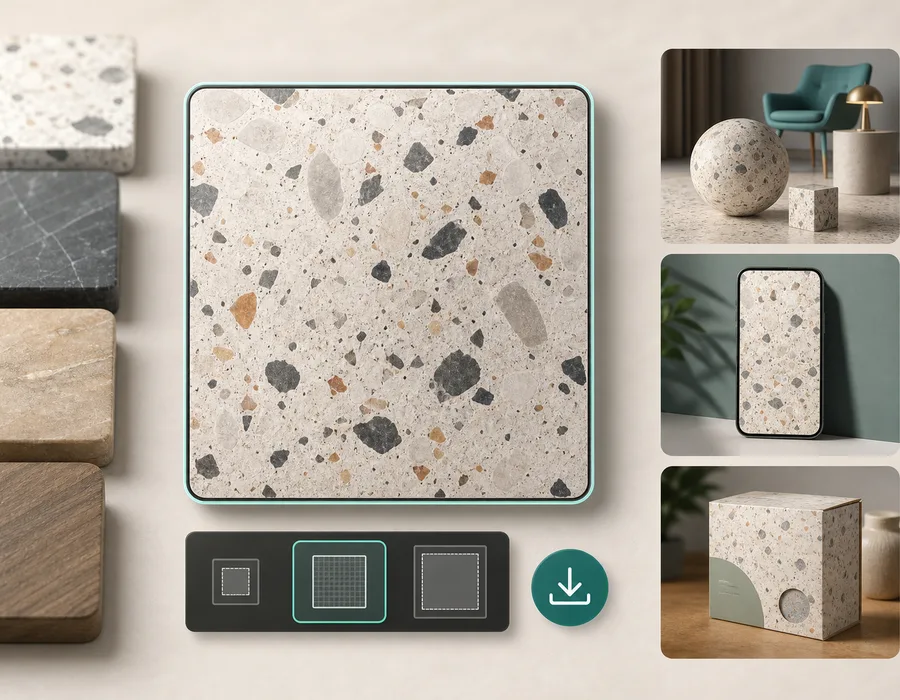
Visible seams happen when a texture does not connect cleanly with itself. The left edge does not match the right edge, the top does not match the bottom, or a detail stops suddenly at the tile boundary.
The fix starts with diagnosis. A seam is not one problem. It can come from lighting, composition, perspective, repeated objects, border artifacts, or a source image that was never meant to tile.
First, inspect the texture as a repeat
You can upload an existing image to the repair tool, inspect its repeating preview, and export after checking the result.
Three reproducible repair tests
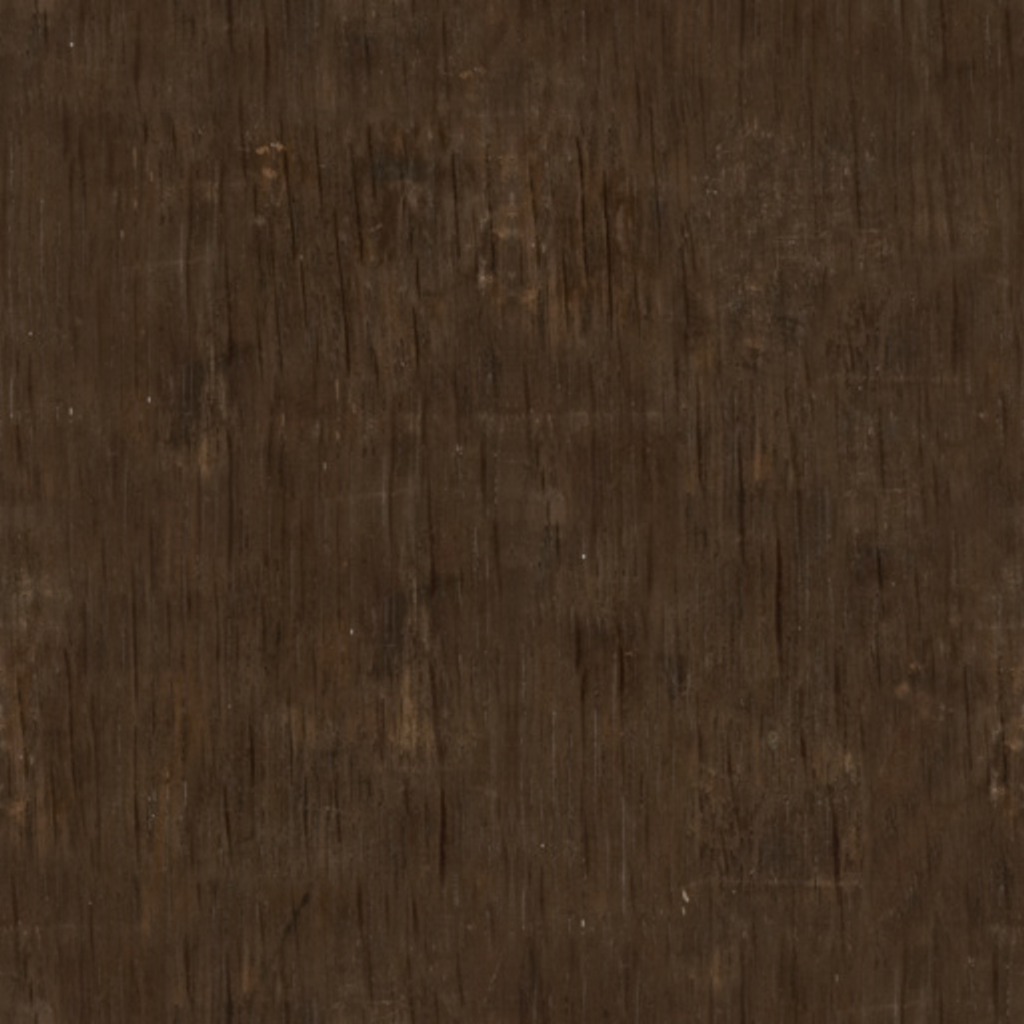
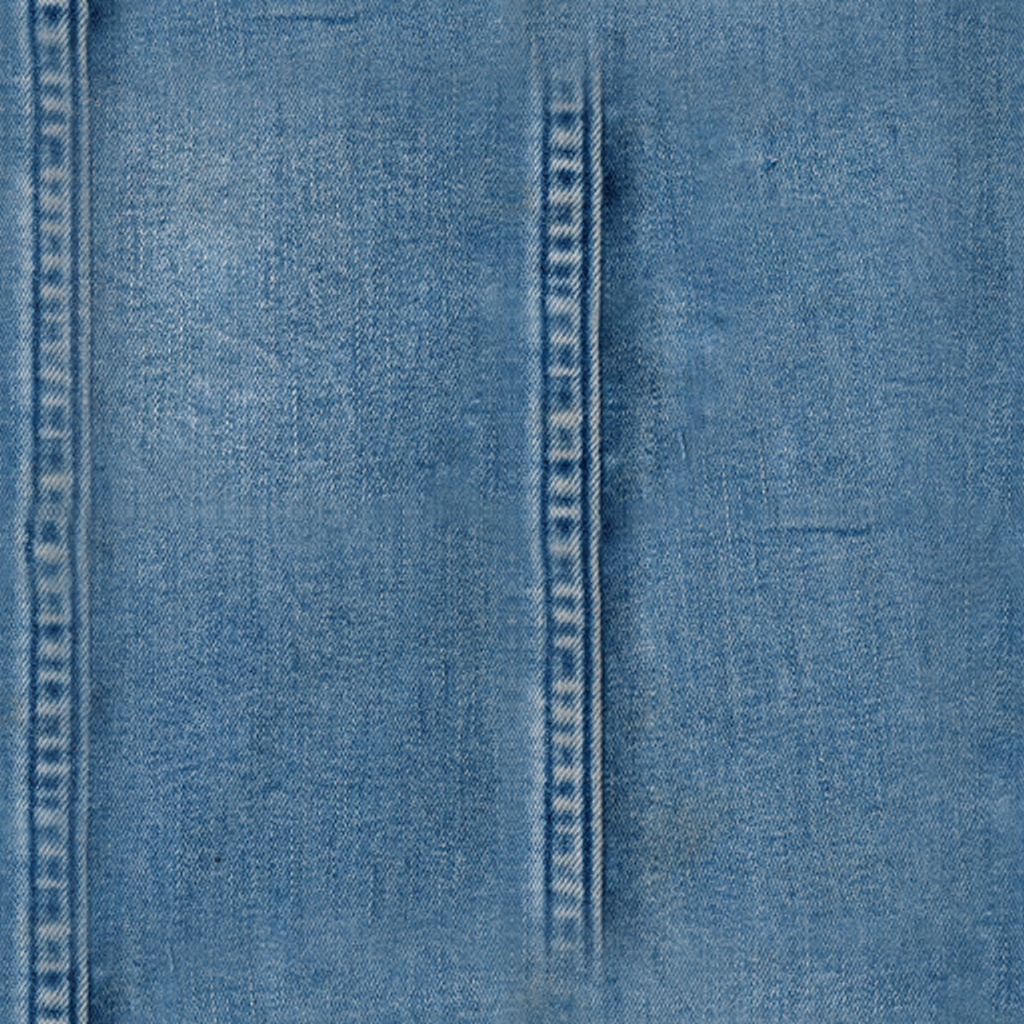
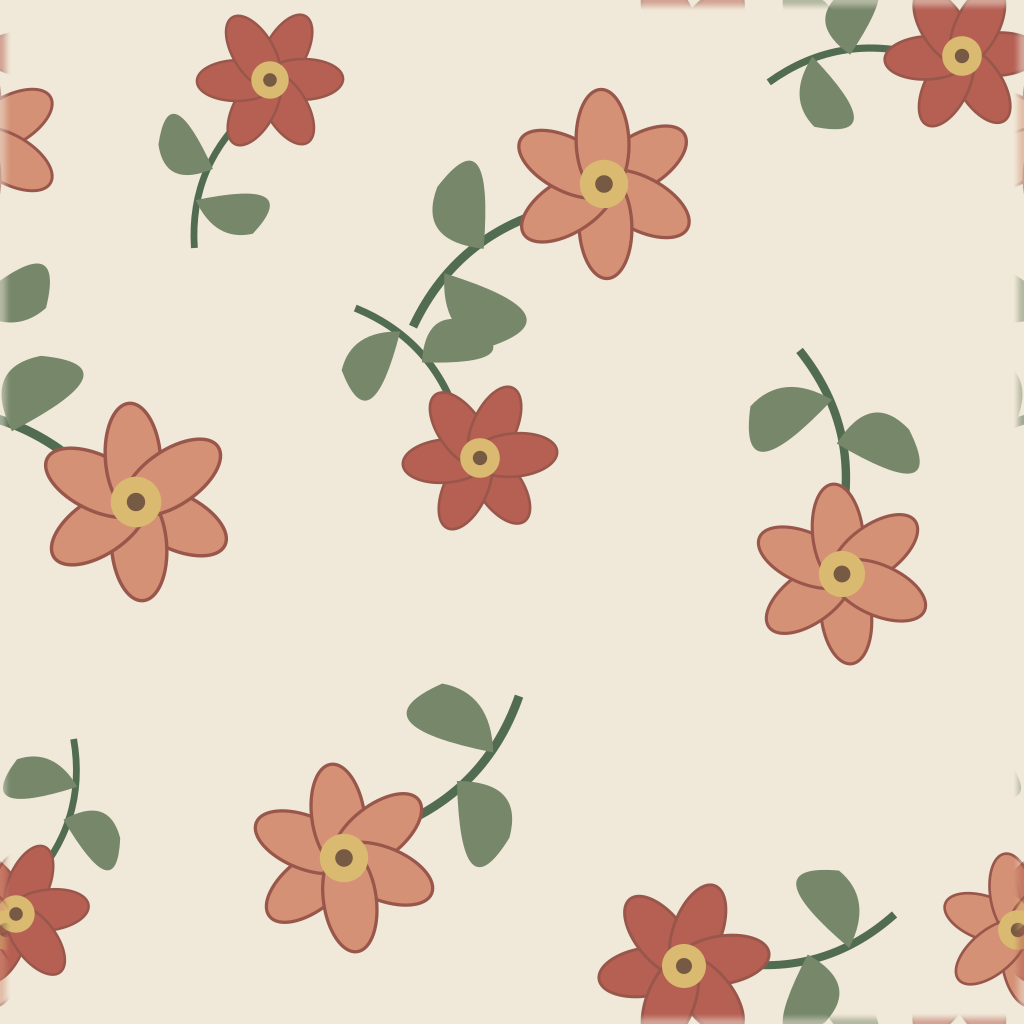
These are controlled tests, not customer photographs. The wood and fabric inputs are 512 × 512 crops of CC0 Poly Haven color maps, starting at x=137, y=211, resized to 1024 × 1024 for AI service compatibility. Resizing adds no source detail. Cropping changes the source maps' original tile boundaries. The floral input is original vector artwork rendered at 1024 × 1024 with deliberately unmatched boundaries.
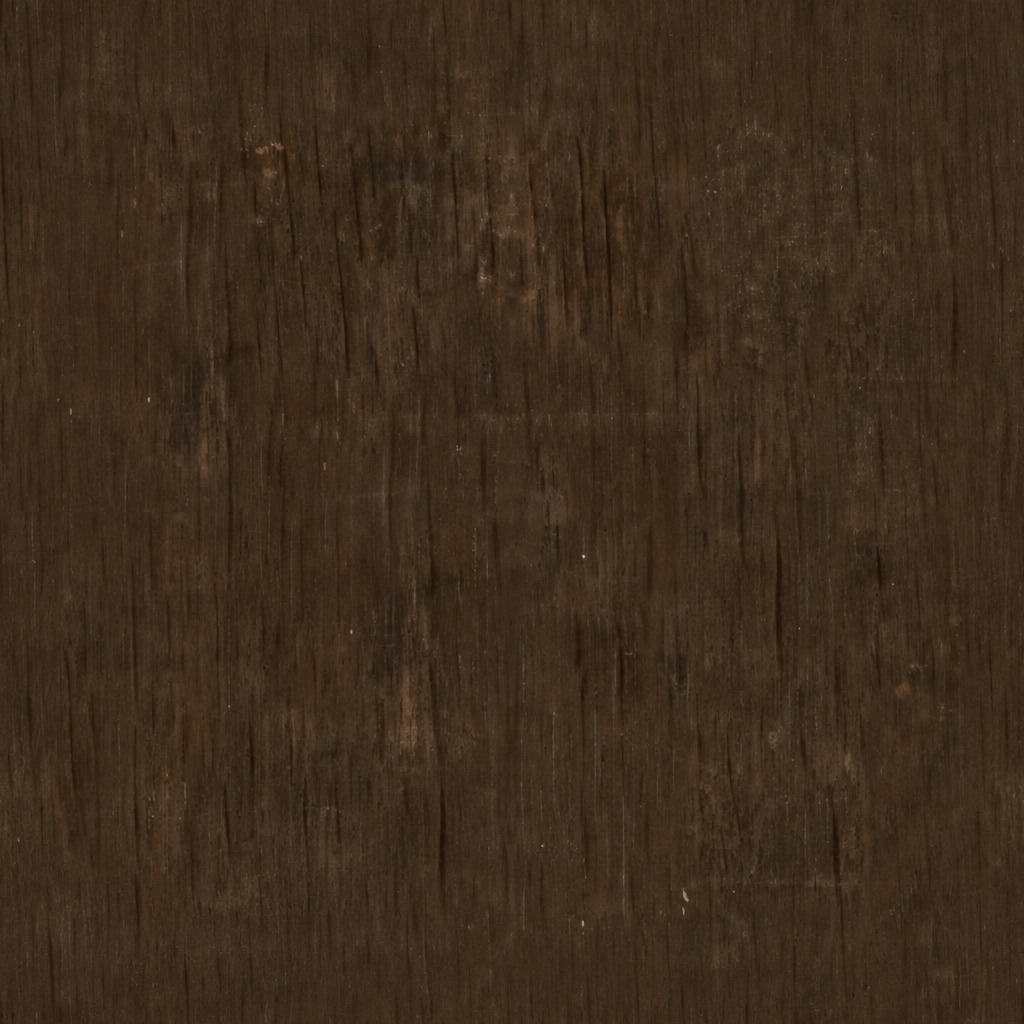
For wood and fabric, choose Texture → Full blend. For the floral example, choose Pattern → Auto. The standard results use the product's existing center-offset repair workflow. The third comparison applies the product's AI Repair to the standard output, just like the optional button in the tool. Compare all three 3×3 repeats and try each input. Every preview uses the same scale; the seam guides mark tile boundaries, not the complete repair area. AI results are not retouched. Display previews are uniformly resized lossless WebP images; original PNG outputs are retained.
| Test and source | What to inspect | Limitation |
|---|---|---|
| Wood grain — Poly Haven | The join between cropped grain edges is less abrupt. | Fine grain softens near the blend; darker streaks still repeat. |
| Denim fabric — Poly Haven | The cropped weave meets with a less pronounced boundary. | Fine threads lose definition; the repair does not reconstruct individual fibers. |
| Floral illustration — original test artwork | Follow petals and stems across the join, comparing continuity and recognizable shapes. | Auto prioritizes motif preservation; AI may change shapes, spacing, or colors. |

The wood and fabric maps use Poly Haven's CC0 license; our floral source illustration is also dedicated to CC0. Download the exact inputs: wood, fabric, floral. Standard outputs: wood, fabric, floral. AI outputs: wood, fabric, floral.
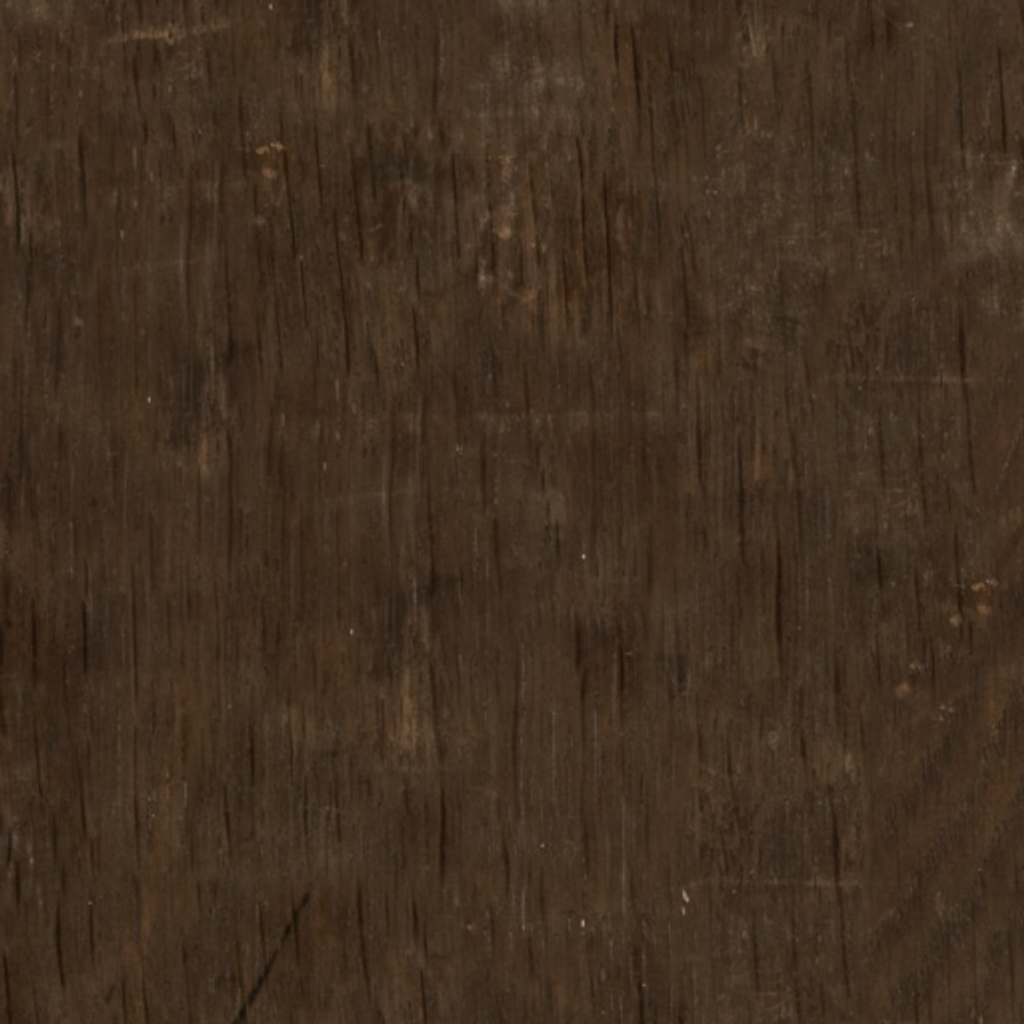
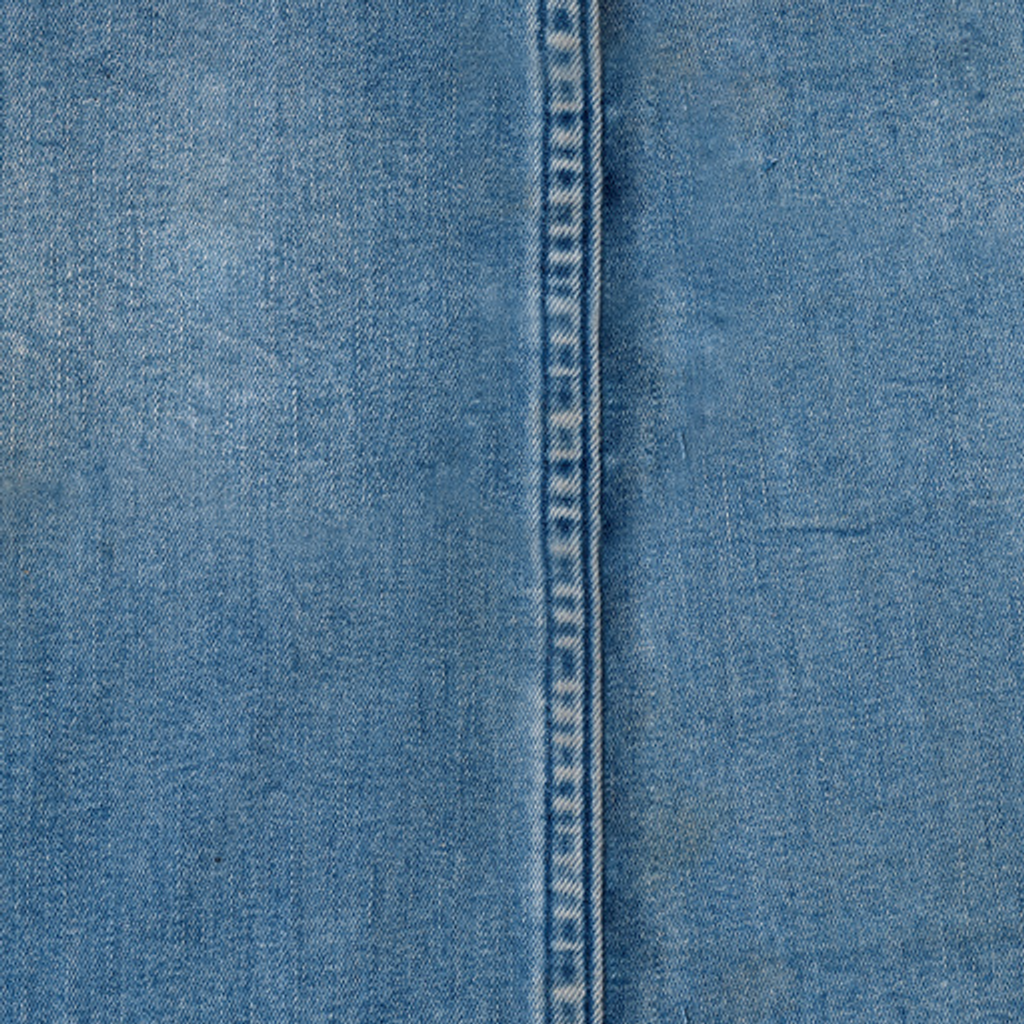

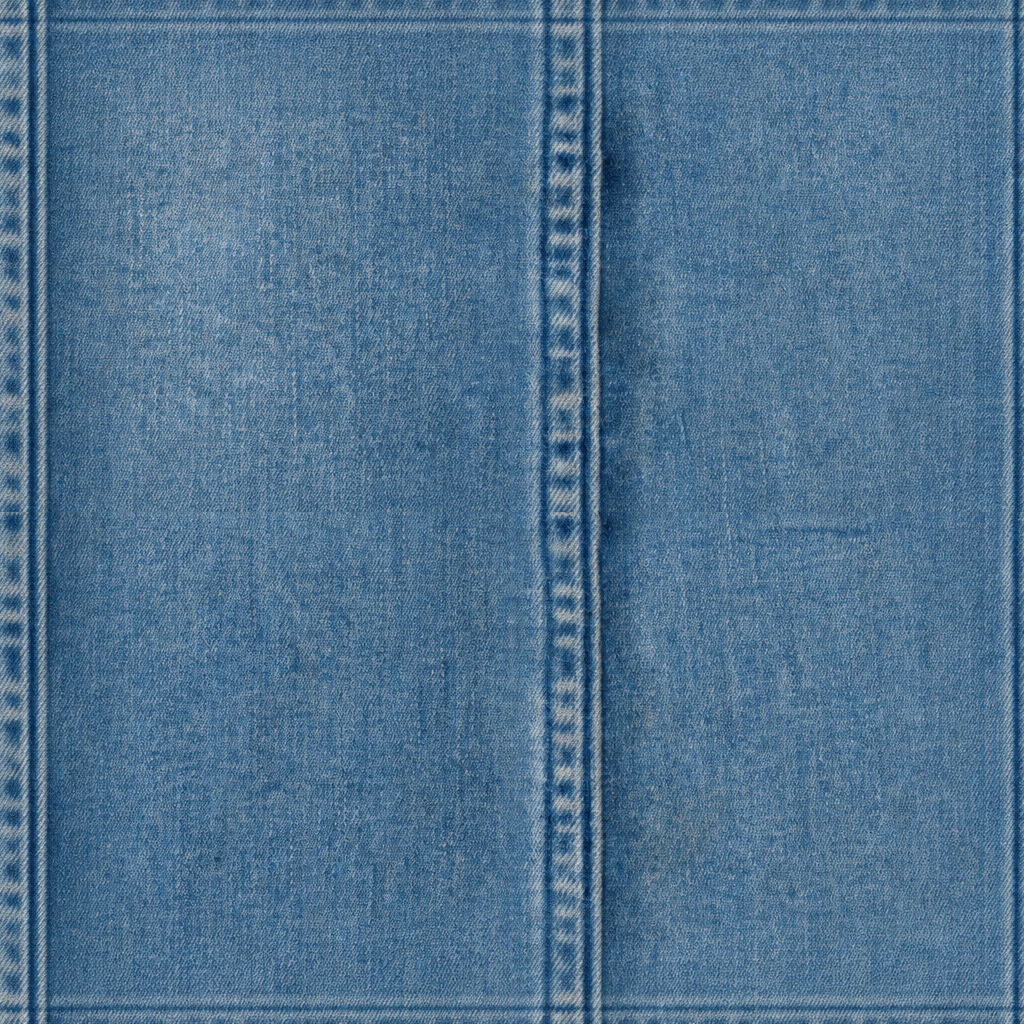

Loading a sample does not use AI credits or start repair. Running it follows the same standard repair access rules as an uploaded image. Full blend can reduce edge mismatch, but cannot guarantee an invisible repeat, correct perspective, remove directional lighting, or preserve every fine detail. Inspect at the scale used in your final scene before deciding whether the tradeoff is acceptable.
How seam score is measured
The converter reports a deterministic edge-difference score for the selected repeat direction. Lower is better. It compares opposite edge colors and their local gradients:
- Horizontal score = average RGB difference between the left and right edges +
0.5 ×the left/right gradient difference. - Vertical score = average RGB difference between the top and bottom edges +
0.5 ×the top/bottom gradient difference. - Both score = the average of the Horizontal and Vertical scores.
- Improvement =
max(0, 1 - after / max(before, 0.001)) × 100%.
Reproducible benchmark results
All values below are Both-directions seam scores calculated from the downloadable 1024 × 1024 PNG files above. Lower is better. Standard and AI improvement use the original source score as the same baseline so the final outputs can be compared consistently.
| Sample | Source | Standard | Standard improvement | AI | AI improvement vs source |
|---|---|---|---|---|---|
| Wood grain | 8.89 | 1.08 | 87.8% | 4.73 | 46.8% |
| Denim fabric | 30.80 | 9.05 | 70.6% | 32.02 | 0.0% |
| Floral illustration | 27.41 | 1.23 | 95.5% | 3.31 | 87.9% |
AI Repair received the Standard output, not the original source. In all three tests, the AI score is higher than the corresponding Standard score. The denim AI result scores 32.02, which is also higher than its 30.80 source score. Its displayed improvement is 0.0% because the published formula floors negative improvement at zero; it does not mean the AI made no change.
The fixed AI samples were generated on September 13, 2026 with gpt-image-2, using the product's real prompt and center-cross mask. They are a reproducible snapshot, not a promise about later model versions. The score only measures boundary continuity; it does not measure visual fidelity, motif preservation, or overall texture quality.
This score is not a probability or a complete quality rating. It measures boundary continuity, but it cannot detect obvious repeated objects, perspective distortion, broad lighting patches, distracting motif rhythms, or problems that only appear after UV mapping and final 3D rendering. Always inspect the default 3×3 repeat—not only the single tile. You can switch to 2×2 or 5×5 when you need a closer or wider repetition check.
Inspect the repeat boundaries
Do not judge the single tile. Start with the default 3×3 preview.
The internal grid boundaries are where the original image edges meet. If you can see a vertical or horizontal line there, the texture will show seams when used on a larger surface. Horizontal-only mode checks left/right joins; vertical-only mode checks top/bottom joins; both-directions mode checks both axes.
Look for:
- A hard cross through the center.
- A dark or bright band.
- A broken crack, thread, or pattern motif.
- A repeated spot that appears in every tile.
- A corner that forms a visible block.
The 3×3 preview turns an invisible edge problem into something obvious and makes repeated landmarks easier to spot. Switch to 5×5 to inspect broader rhythm or 2×2 for a larger close-up.
Identify the seam type
| Seam type | What it looks like | Best fix |
|---|---|---|
| Lighting seam | One side is darker or brighter | Use flat lighting or balance the image |
| Structural seam | Cracks, fibers, or motifs break at the edge | Repair edges or regenerate |
| Perspective seam | Surface angle changes across the tile | Use top-down source or prompt |
| Object repeat | One mark appears too regularly | Choose a more even source |
| Border seam | The image has a frame or edge artifact | Crop or convert the image |
Once you know the seam type, the next step is easier.
Fix seams in prompt-generated textures
If the texture came from a text prompt, improve the prompt before doing manual cleanup.
Add constraints such as:
- top-down view
- flat lighting
- no perspective
- no border
- evenly distributed detail
- continuous surface
- square seamless repeat
For example, instead of:
mossy stone floor
Use:
mossy stone floor texture, top-down game asset, evenly distributed stone blocks, soft flat lighting, no border, square seamless repeat
This gives the generator less room to create a scenic image and more direction toward a usable tile.
Fix seams in uploaded images
If the texture came from a photo, scan, render, or pattern image, the source matters.
A good source image has:
- Even light.
- Surface-like detail.
- No large central object.
- No text or logo.
- Minimal perspective.
- Clean edges.
If the source has strong shadows or a single object, conversion can reduce seams but may not make it production-ready. In that case, crop a better patch or choose another source.
Use the Seamless Texture Generator to repair edge mismatch and check the result as a repeat.
Reduce obvious repetition
A texture can be seamless and still look repetitive. This happens when one feature is too memorable: a bright stone, a dark knot, a strong crack, a large flower, or a visible scratch.
To reduce repetition:
- Use smaller, more evenly distributed details.
- Avoid high-contrast landmarks.
- Regenerate with lower contrast.
- Crop out dominant marks before conversion.
- Mix subtle procedural variation in the final design tool.
For game and 3D materials, repetition often becomes more obvious at distance. Test the texture at the size it will appear in the final scene.
Avoid fixing the wrong thing
Sometimes the seam is not the texture file. It can be the way the texture is mapped.
Check:
- UVs are not stretched.
- The material uses repeat wrapping.
- The texture scale is appropriate.
- The image is not being clamped at the edge.
- The object does not have mismatched UV islands.
If the texture repeats cleanly in a 3×3 preview but fails on a model, the issue may be mapping rather than the image.
A quick seam repair workflow
- View the texture as a 3×3 repeat.
- Identify the seam type.
- If prompt-generated, tighten the prompt and regenerate.
- If uploaded, repair the image with an image-to-seamless converter.
- Test the exported PNG in the real destination.
- Adjust scale and contrast in context.
The key is to make the seam visible early. Once you can see the failure clearly, you can decide whether to repair, regenerate, crop, or replace the source.
Repair a texture now
Use the Seamless Texture Generator to upload a source image, repair edge mismatch in both directions or along one selected axis, and inspect the result in the default 3×3 repeat preview. Switch to 2×2 or 5×5 when useful. For new materials, use its prompt generator.