Make seamless textures & patterns from images or prompts

Upload an existing image to repair its repeat, or start from a prompt to create a new texture or pattern. Preview, recolor, convert, compress, and export in one workflow.

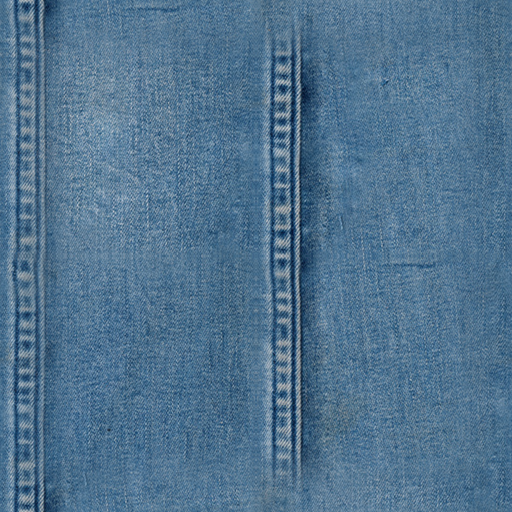
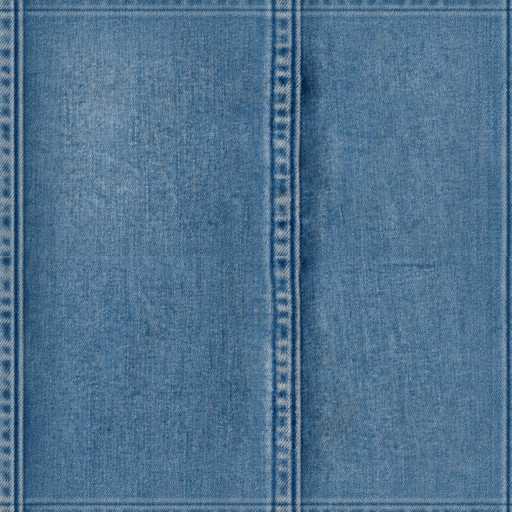
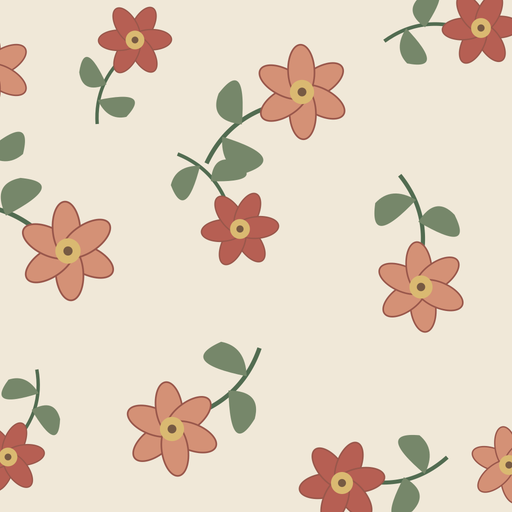
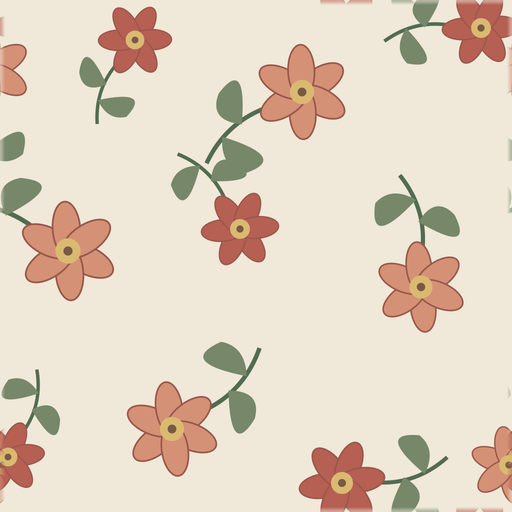
Generated seamless texture preview

Complete texture workflow

From idea to usable texture in one workflow

SeamlessCanvas is built for the whole asset path, not just prompt in and image out.

01

Generate from prompt or turn image into seamless texture

Start from a material idea, product pattern, scan, photo, render, or existing AI image.

02

Preview as repeated tiles

Check the texture as a repeat before you commit it to a design, shader, or product mockup.

03

Recolor and adjust

Tune the look so the same generated texture can match different palettes and surfaces.

04

Compress and convert format

Prepare lighter files or switch formats for web, design tools, and production handoff.

05

Export for design, web, 3D, and POD

Download usable texture assets for mockups, websites, Blender, game materials, and print on demand.

Most prompt tools stop after generation. This workflow keeps going through repeat preview, color adjustment, compression, conversion, and export.

Generated proof

See what seamless actually means

Every example shows the generated tile and a repeated preview so you can inspect the seams before trying it.

2x2 repeat preview
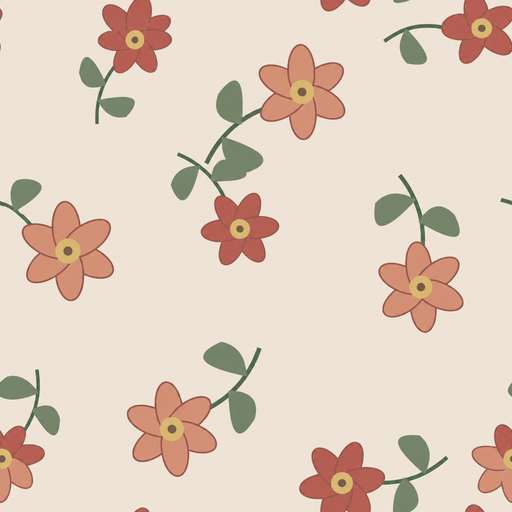
Generated seamless vintage floral pattern tile
Single tile
Floral

Vintage floral

delicate wildflower seamless pattern, cream background, dusty rose and sage palette, small repeat

2x2 repeat preview
Generated seamless minimal geometric pattern tile
Single tile
Geometric

Minimal geometry

minimal geometric seamless pattern, soft neutral palette, clean circles and arches, balanced repeat

2x2 repeat preview
Generated seamless abstract pattern tile
Single tile
Abstract

Soft abstract

soft abstract seamless pattern, organic shapes, muted clay blue and cream palette, balanced repeat

2x2 repeat preview
Generated seamless sage botanical pattern tile
Single tile
Botanical

Sage leaves

soft botanical seamless pattern, sage leaves and tiny stems, cream background, airy repeat

2x2 repeat preview
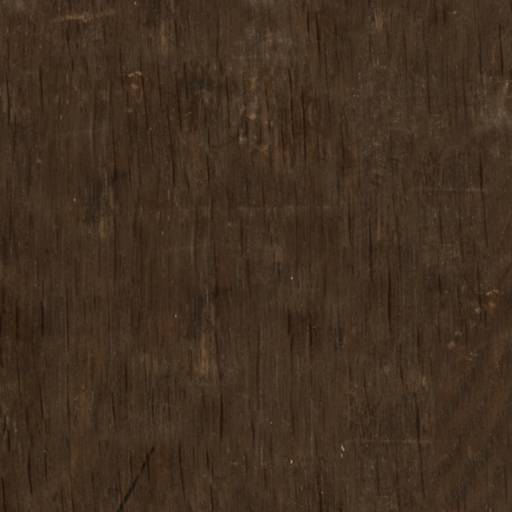
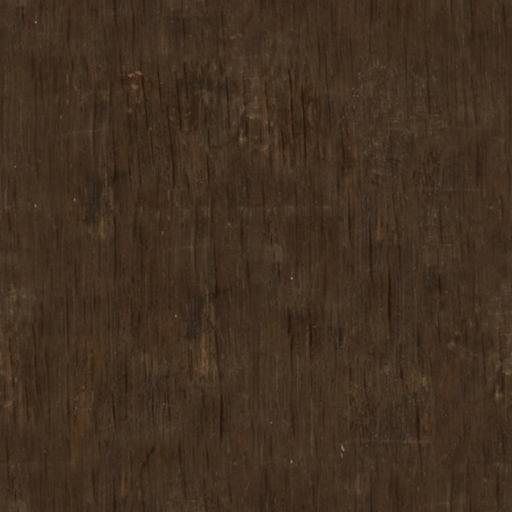
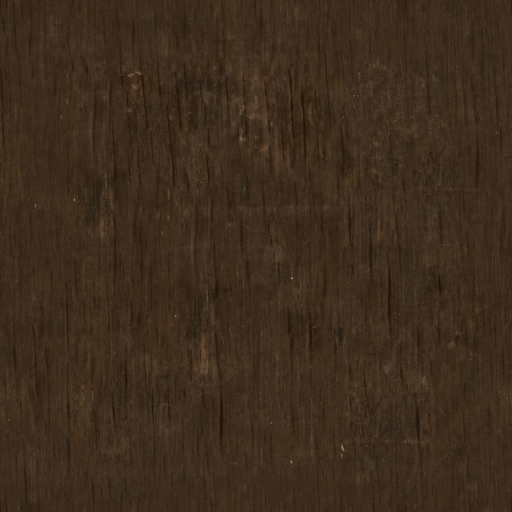
Generated seamless aged oak plank texture tile
Single tile
Wood

Aged oak planks

aged oak plank texture, subtle grain, warm brown tones, top-down seamless repeat

2x2 repeat preview
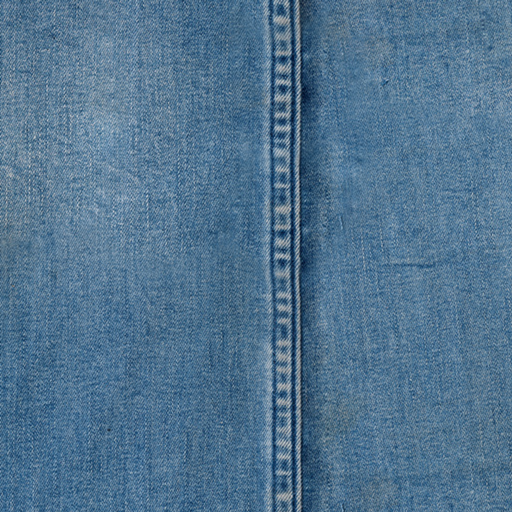
Generated seamless beige linen texture tile
Single tile
Fabric

Linen plain weave

natural linen fabric texture, plain weave, beige fibers, subtle slub variation, top-down seamless tile

2x2 repeat preview
Generated seamless limestone texture tile
Single tile
Stone

Weathered limestone

weathered limestone floor tile, subtle chipped edges, realistic mineral grain, square seamless repeat

2x2 repeat preview
Generated seamless Carrara marble texture tile
Single tile
Marble

Carrara marble

white carrara marble texture, soft gray veins, polished surface, seamless square tile

Already have an image? Convert it into a seamless texture

Use the image-to-seamless workflow when you want to start from a photo, scan, render, or pattern reference instead of generating a new texture from a prompt.

Upload a reference

Start from an existing material photo, pattern sample, or AI render.

Repair visible edges

Balance borders and blend offsets so the image can repeat more cleanly.

Preview the repeat

Check the converted result as a tiled texture before downloading.

Download PNG

Export a tileable PNG for 3D, game, fabric, wallpaper, or mockup tests.

Turn short prompts into repeatable surface assets

The generator wraps your prompt with texture-specific instructions so the result stays square, top-down, evenly distributed, and ready to test as a repeating tile.

Prompt to texture

Start with plain language: marble veins, pixel dungeon floors, woven fabric, terrazzo, bark, or abstract patterns.

Seam-aware preview

Switch between single image and tiled preview to inspect obvious seams before downloading.

Built for assets

Outputs are framed for game props, 3D materials, wallpaper, textile, print-on-demand, and concept work.

Account history

Signed-in users can revisit generated texture tasks from the activity area.

Why creators use it before opening a full material toolchain

Generate directionally useful texture options quickly, then refine the best ones in your normal art, 3D, or design workflow.

The prompt wrapper asks the model for a top-down, borderless, evenly distributed surface that can repeat in both directions.

Core features for texture generation

Focused controls for making repeatable image assets instead of generic illustrations.

AI prompt wrapper

Adds seamless, top-down, no-border constraints to the final provider prompt.

Single and tiled preview

Compare one render against a repeated 2x2 view directly on the page.

Seam guide overlay

Toggle a cross guide to inspect the center seams while previewing.

Credits-aware generation

Generation uses the existing account and credits system.

Pro download gates

Higher-resolution exports check active subscription access before download.

Generation history

Signed-in users can jump back to their generated image tasks.

Frequently asked questions

Practical notes for creators testing tileable AI textures.


Make your next image seamless

Upload an existing texture or pattern and inspect the repaired repeat before downloading.

Featured on There's An AI For That