
Turn an Image into a Seamless Repeating Pattern
SeamlessCanvas is a browser-based image-to-seamless-pattern maker for existing raster artwork. Upload JPG, PNG, WebP, or AVIF; match the left and right plus top and bottom edges while preserving motifs; inspect a 3×3 repeat; and export a repeat-ready PNG.
Drag & drop an image here
or paste a URL / click to browse
Upload artwork and automatically match the image edges
Pattern processing preserves motifs and spacing while repairing the repeating edges. Try 5 standard repairs and 1 AI repair free without signing in. Sign in for unlimited standard repairs and 3 free AI repairs; additional AI repairs cost 5 credits each. Preview is free. Unlock all sizes for 2 credits, or subscribe for unlimited exports. Plans include larger exports, and Creator or Studio unlocks batch repair.
Both sides repeat together. Click either image to enlarge the comparison.
Upload an image to compare the original repeat with the processed result here.
Preserve the artwork and repair only the repeat
Use this image-to-seamless-pattern workflow when the illustration, motifs, colors, spacing, and center composition are already right but the flattened image does not repeat cleanly.
Upload flattened artwork
Start from an illustration, scanned design, pattern sample, or existing repeat tile.
Preserve motifs and spacing
Use a narrow, fidelity-first repair that avoids unnecessarily redrawing the composition.
Inspect the 3×3 repeat
Check edge motifs, spacing changes, and the center joins before exporting.
Download a repeat-ready PNG
Export a tile for wallpaper, fabric, POD, packaging, digital paper, or background tests.
Choose the right starting point
Repair a finished image or arrange a new pattern?
A pattern maker can mean different workflows. Choose the job that matches the source you have before deciding how to build the repeat.
| Your starting point | Choose this workflow | What you keep or create |
|---|---|---|
| One flattened image whose composition you want to keep | Upload and repair the existing image | Keep the source recognizable while repairing its boundaries; inspect any changed edge motifs. |
| Separate icons, flowers, or editable vector objects | Build a repeat from individual motifs | Arrange objects and control their positions in a design editor. Raster repair does not recover layers or vector paths. |
| An idea with no source artwork yet | Generate a new pattern from a prompt | Create new artwork and a new composition, then inspect the repeated result. |
The upload converter exports a flattened PNG. Keep the editable source when exact geometry, typography, logos, or separately movable motifs are required.
Read the complete pattern-making tutorialFrom one image to a production-sized repeat
Repair the tile first, inspect the repeat as a grid, then build the larger file your print or product workflow needs. Each step has a separate job, so you can catch a bad seam before scaling it across a large surface.
- 1
Upload and repair the artwork
Start with JPG, PNG, WebP, or AVIF artwork. Match the left and right edges, then the top and bottom edges, while keeping the center composition recognizable.
Open image repair - 2
Inspect the repeated tile
Use the default 3×3 preview and seam guide to find clipped motifs, doubled details, bands, or uneven spacing.
Open Pattern Checker - 3
Choose the repeat layout
Test straight, half-drop, or brick placement at the scale where the pattern will actually be used.
Compare repeat layouts - 4
Build the final canvas
Export a larger PNG, JPG, or baseline TIFF with 300-DPI metadata after the repeat has passed inspection.
Create a 300 DPI canvas


What this workflow delivers
| Input | JPG, PNG, WebP, or AVIF raster artwork |
|---|---|
| Repair | Left to right and top to bottom edge matching |
| Inspection | Single, 2×2, 3×3, or 5×5 repeat views |
| Tile output | Flattened PNG, up to the plan export limit |
| Large canvas | PNG, JPG, or baseline TIFF with DPI metadata |
SeamlessCanvas exports raster files, not editable vectors or layered artwork. Confirm final dimensions, color mode, bleed, and DPI with the printer or marketplace that will receive the file.
Original geometric test
Check the shapes as well as the tile edges
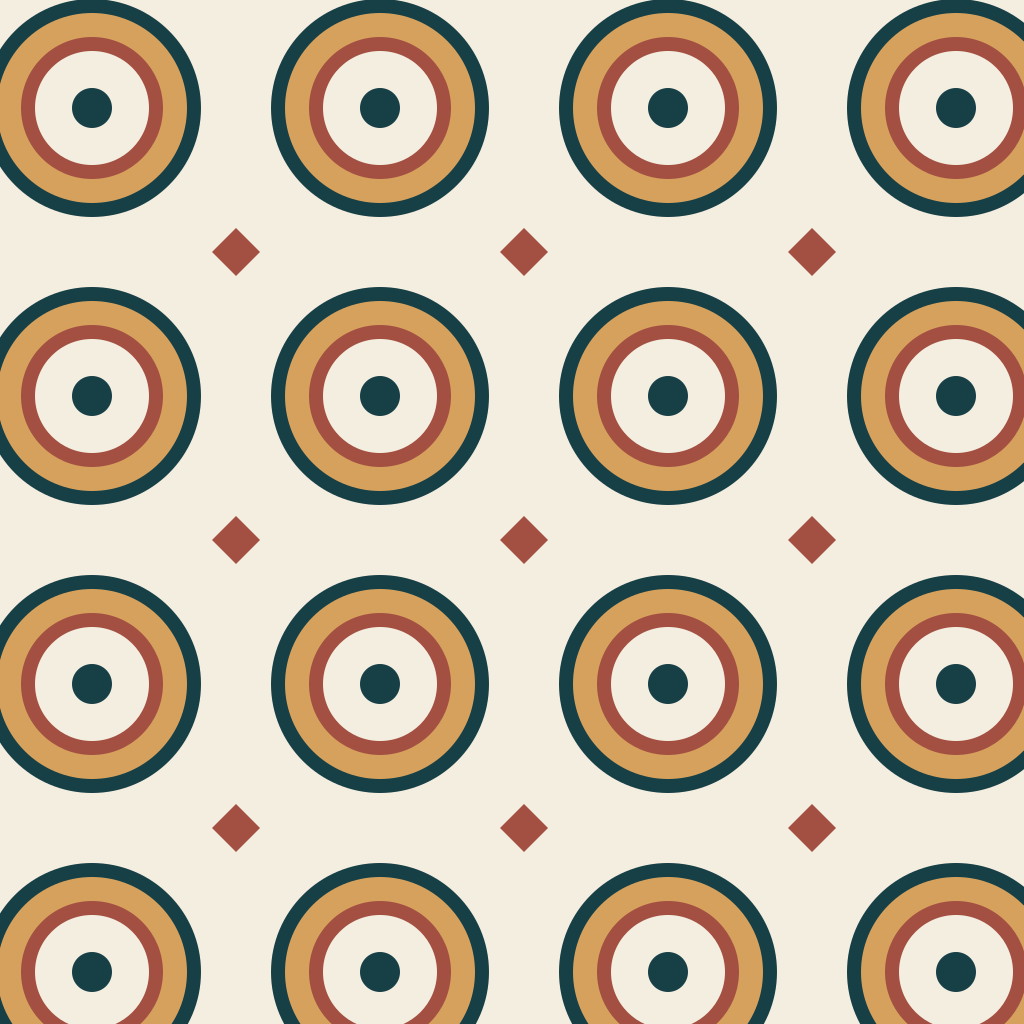
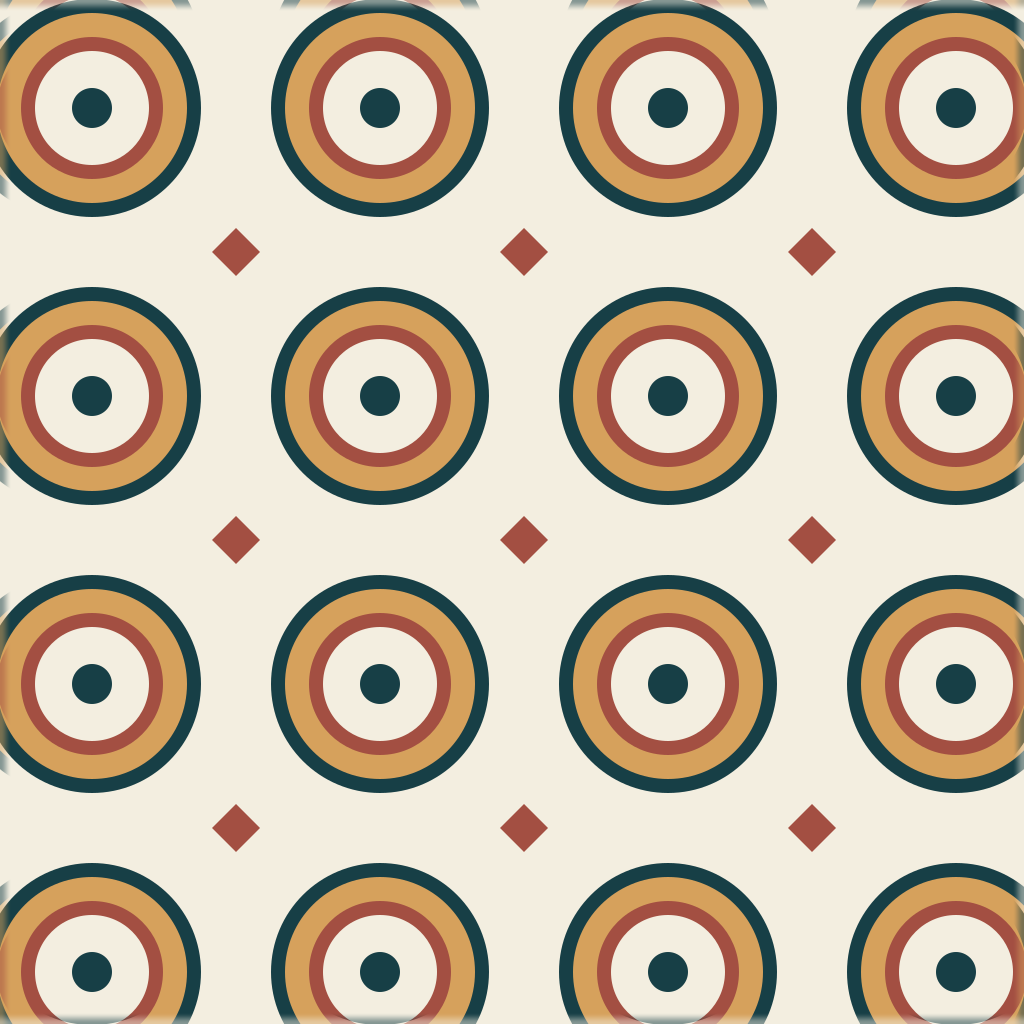
This saved test uses the actual standard repair algorithm on deliberately mismatched geometric artwork. Compare the circle fragments in both repeated views, not only the border scores.
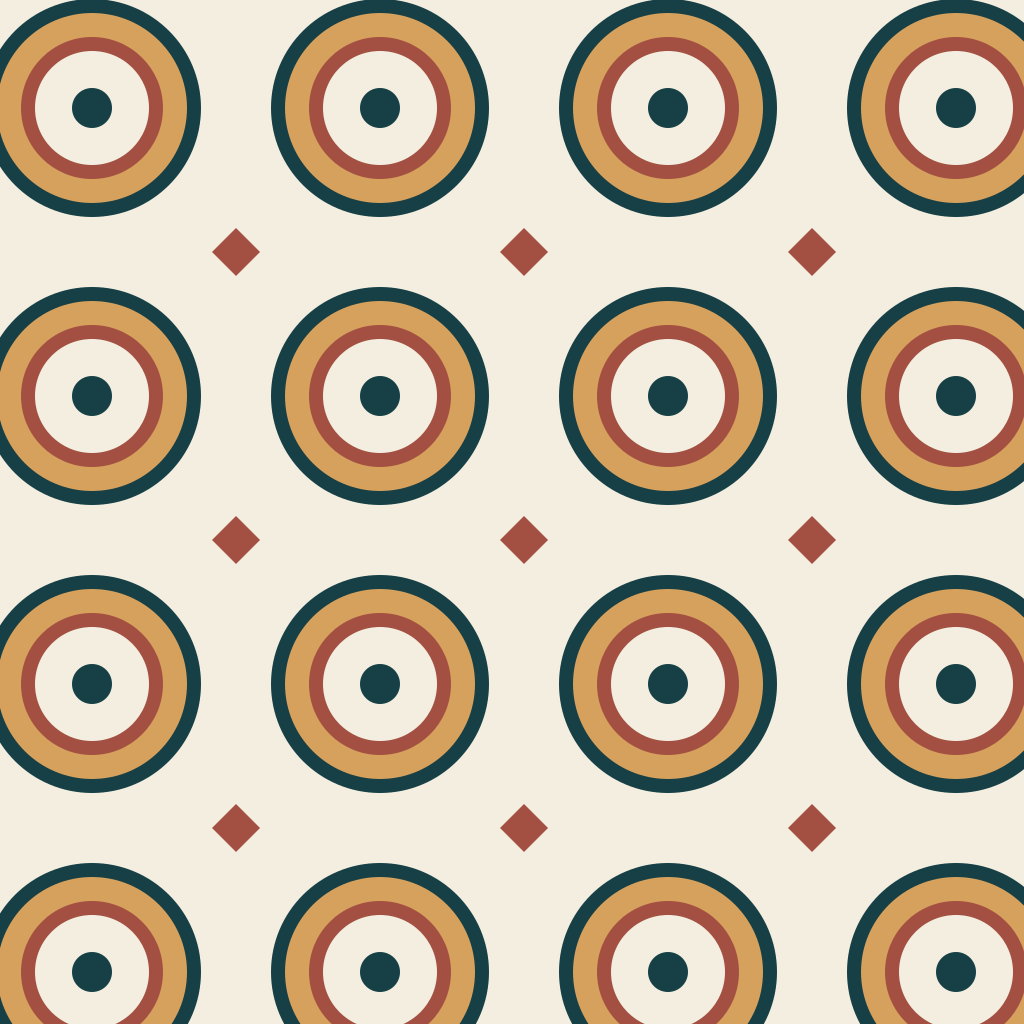
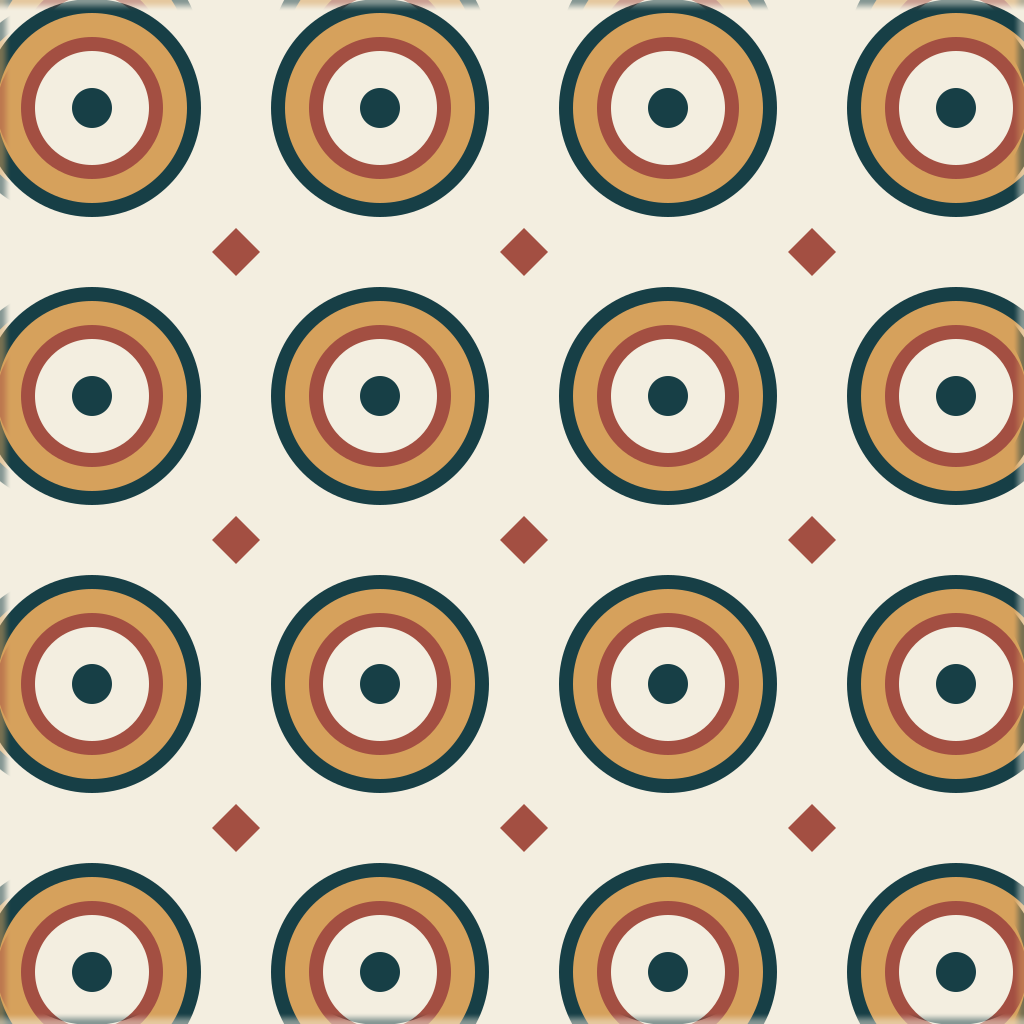
Original geometric test artwork, processed with Standard Auto. Compare the circle fragments along the joins: edge blending changes boundary pixels but does not reconstruct complete circles or restore the original grid spacing. A lower seam score measures edge continuity, not geometric accuracy.
Pattern mode · both directions · 1024px. This is original test artwork, not a customer result, and no AI repair was used.
Built to preserve motifs and spacing
Pattern repair stays close to the image edges so the artwork remains recognizable while the repeat becomes easier to use.
How to turn an image into a seamless repeating pattern
Use the pattern maker as a focused edge-repair step, verify the tile as a repeat, then prepare the larger canvas required by the final print or design workflow.
Choose the artwork
Upload a flattened image with motifs and spacing you want to preserve.
Repair the repeating edges
The pattern workflow applies a narrow repair designed to protect crisp artwork.
Inspect the 3×3 repeat
Check the center cross, edge motifs, and the balance between repeated tiles.
Export the PNG
Download the repeat tile and test it at the intended print or screen scale.
What the pattern generator changes
A browser-based repeat repair workflow for flattened artwork, decorative motifs, and pattern samples.
Fidelity-first edge repair
Adjusts narrow edge regions instead of blending across the entire composition.
Opposite-edge matching
Pairs left-right and top-bottom borders so the final tile can repeat continuously.
Pattern-aware AI fill
Optional AI repair continues motif style, color, spacing, and visual rhythm across the seam.
Repeat and seam guide
Switch between single and repeated views and inspect the central joins.
Free repeat preview
Preview is free. Unlock all export sizes for 2 credits, or subscribe for unlimited exports. Creator and Studio also include batch repair.
Flattened PNG output
The generator repairs raster artwork; it does not recreate editable vectors or layered source files.
Generate a new pattern from a prompt
Use the AI pattern generator when you need new motifs and a new composition instead of repairing artwork you already have.
Inspect the final seamless pattern tile before exporting a PNG for fabric, wallpaper, packaging, POD, or background tests.
No pattern loaded. Write a motif prompt or choose a starter to begin.
Export size
Preview settings
Seamless pattern generator FAQ
Practical notes for repairing artwork and creating a cleaner repeat.
Make another pattern seamless
Upload the artwork you already have, repair the repeat, and inspect the joins before downloading.