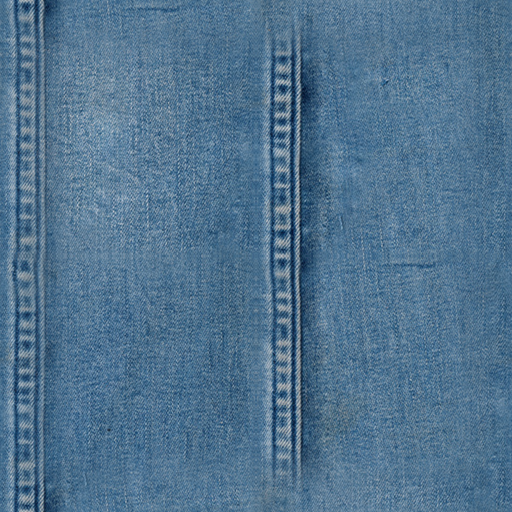
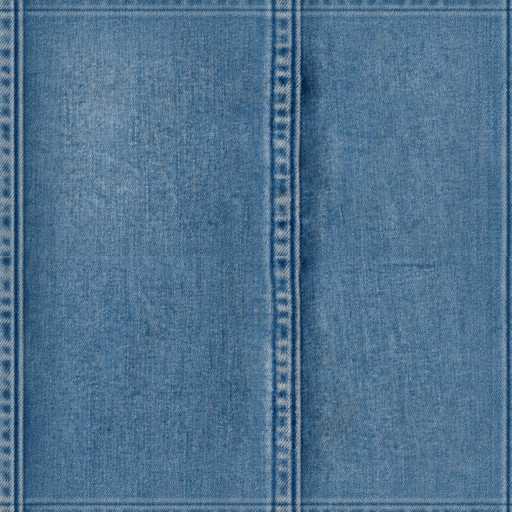
Seamless Texture Generator
Upload a photo, scan, render, or existing texture. Repair visible seams, preview the 2×2 repeat, and download a tileable PNG. Starting without an image? Generate one from a prompt below.
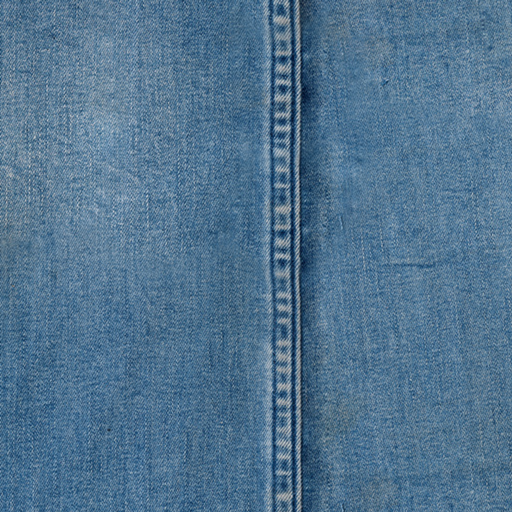
Best for stone, concrete, wood, fabric, paper, plaster, soil, bark, and other continuous surfaces.

Upload a texture image and repair the repeat
Texture mode smooths continuous surface detail and broad tonal changes while repairing the tile edges. Preview and 512px download are free; larger and batch exports use credits.
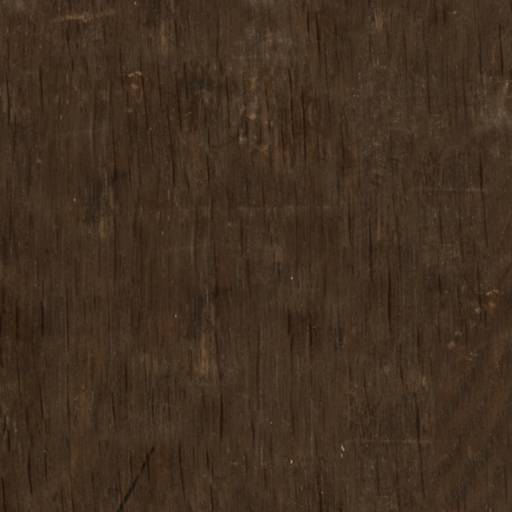
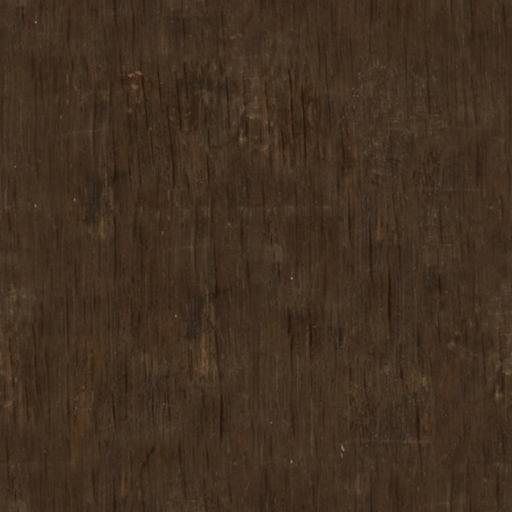
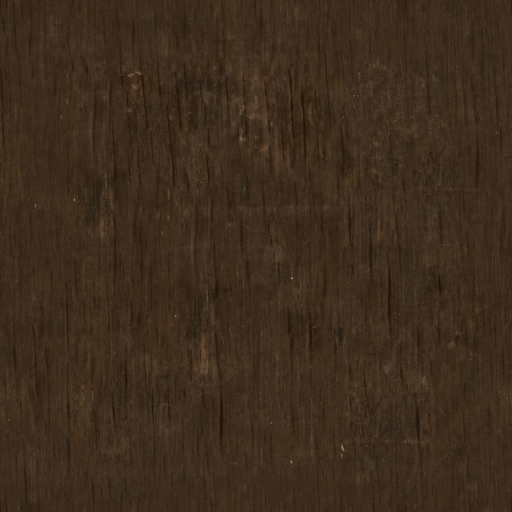
Compare the source repeat with the processed repeat.
Upload a texture source and the processed seamless PNG will appear here.
Keep the surface you already have
When a photo, scan, or render already has the right material character, seam repair is more direct than generating a replacement. The converter keeps the source recognizable while preparing it to repeat.
Start from an existing source
Use a material photo, surface scan, render, or AI image instead of describing a replacement from scratch.
Preserve surface character
Keep grain, pores, fibers, mineral variation, and other details that make the source useful.
Inspect the actual repeat
Compare the repaired tile as a 2×2 repeat and use the center guide to judge the joins.
Export a base-color PNG
Download a tileable image for material tests, mockups, games, Blender, or other 3D workflows.
Repair texture seams without recreating the source
The texture workflow uses stronger, smoother blending because continuous surfaces can tolerate gradual repair better than crisp motifs can.
Balance broad tonal shifts
Reduce low-frequency lighting changes that can make every repeated tile look like a separate block.
Move old borders inward
Shift the original edges into the interior so they can be repaired without becoming the final tile boundary.
Blend continuous detail
Use a wider repair area for grain, fibers, pores, noise, and other material structure.
Measure before and after
Compare seam scores and the repeated preview instead of judging quality from one square alone.
From source image to tileable PNG
Use the converter as a focused repair step before bringing the texture into your material or art workflow.
Upload a surface image
Choose the flattest, most evenly lit version of the material you have.
Repair in Texture mode
The tool balances broad shifts, offsets the old borders, and blends the repaired joins.
Inspect the 2×2 repeat
Check the center cross, repeated features, and any remaining blocks or directional streaks.
Download and test
Export the base-color PNG and verify scale, mapping, and lighting in the destination tool.
What the texture generator changes
A browser-first repair pipeline for continuous material images, not a complete PBR material authoring suite.
Low-frequency balancing
Softens broad brightness changes before the image is offset and blended.
Toroidal offset repair
Moves opposite edges into the image interior for a repairable center seam.
Material-aware AI fill
Optional AI repair continues material grain, lighting, color, scale, and surface structure across the seam.
Repeat and seam guide
Switch between single and repeated views, then overlay the center joins for inspection.
Free 512px evaluation
Download a standard PNG for testing before using credits for larger or batch exports.
Base-color output
The converter repairs and exports a tileable image; it does not claim to create a complete PBR map set.
Generate a new texture from a prompt
Use the AI texture generator when you need a new material rather than repairing a photo, scan, render, or existing texture.
Inspect the final seamless base texture before exporting PNGs or PBR maps.
No texture loaded. Write a material prompt or choose a starter to begin.
Texture Outputs
Export the base texture first, then generate optional PBR maps from the same seamless tile.
Base Texture
Preview settings
Seamless texture generator FAQ
Practical guidance for repairing photos, scans, renders, and material images.
Make another texture seamless
Upload the surface you already have, repair the repeat, and check the joins before downloading.