
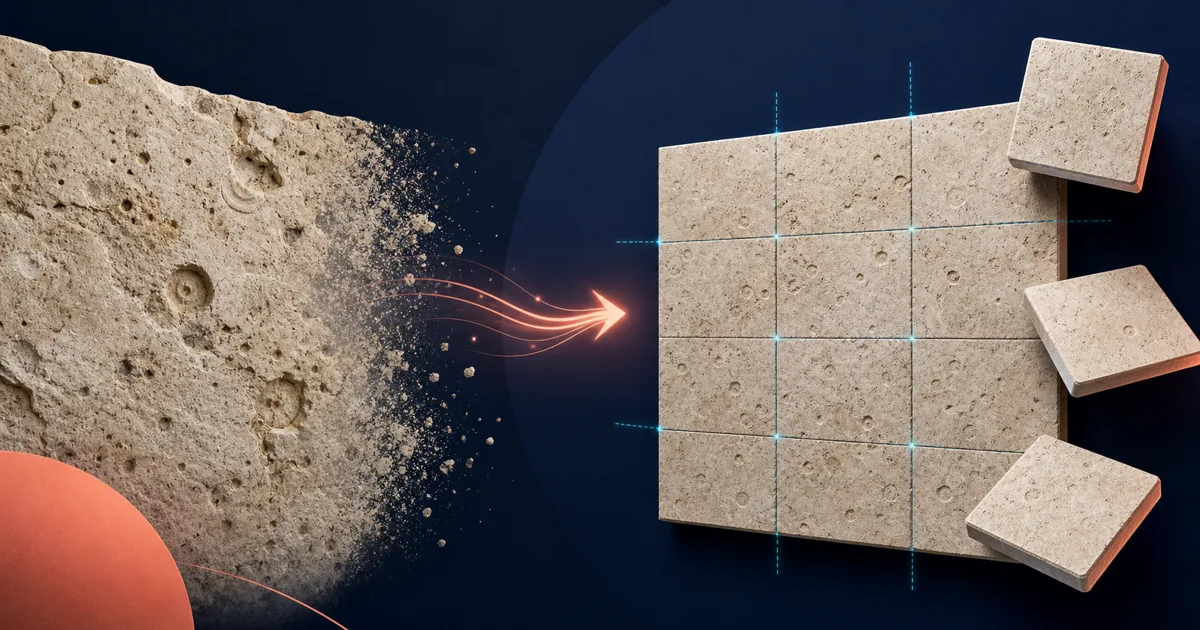
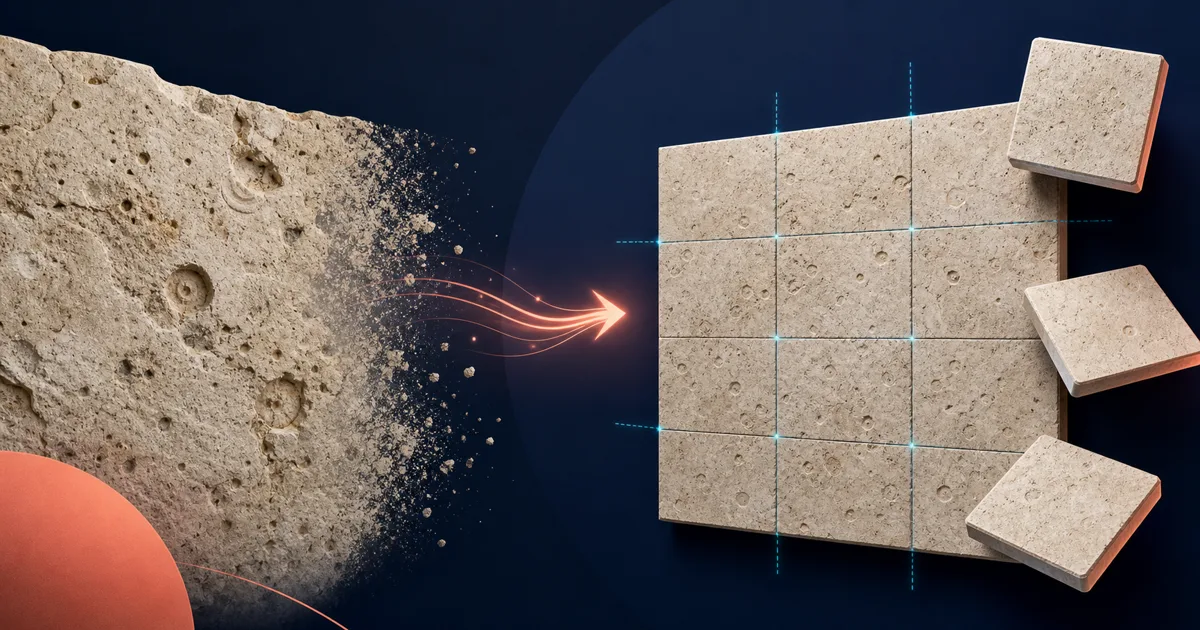
The best AI seamless pattern maker from an existing image depends on what must remain unchanged. Use a fidelity-first repair tool when the source artwork should stay recognizable. Use an image reconstruction tool when the source is only a reference. Use a geometric pattern designer when composition and tiling style matter more than preserving the original pixels.
Research snapshot: public feature pages were checked on September 20, 2026. Product features, limits, prices, and export formats can change. Verify the linked product page before committing a production workflow.
Best image-to-pattern tools at a glance
| Tool | Best for | Preserves the existing image | AI role | Repeat and export strengths |
|---|---|---|---|---|
| SeamlessCanvas | Repairing opposite edges while preserving raster artwork | High | Optional edge repair | 3×3 inspection, seam guide, raster tile, separate 300-DPI canvas tool |
| PatternedAI | Reconstructing motifs and preparing decorative print patterns | Medium, depending on mode | Reconstruction, seam repair, recolor, upscale | Print-oriented upscaling and vector workflows |
| Repper | Direct visual control over repeat geometry | High for the selected source region | Not required | More than 30 tilings, tile and surface export, product previews |
| KitParlor | Local browser edge blending for POD and fabric tiles | High | None | Live repeat, seam check, 300-DPI raster tile |
| Pattern Weaver | Generating new production-oriented pattern collections | Low for source preservation | Prompt and reference generation | Multiple layouts, product previews, high-resolution and print formats by plan |
| Texturize | Free edge blending for photos and natural textures | High | None | Local processing and 3×3 tiled preview |
| Canva Pattern Maker | General design workflow and prompt-generated patterns | Variable | Prompt generation through a PatternedAI app | Convenient placement inside Canva projects |
No single tool wins every row. A user preserving an existing floral tile has a different job from a designer extracting motifs from a product photo or building a vector repeat for manufacturing.
1. SeamlessCanvas: best for preserving an existing raster image
SeamlessCanvas is the strongest fit when the center artwork, palette, motif scale, and spacing are already correct. Its job is narrow: upload JPG, PNG, WebP, or AVIF artwork, repair the left and right plus top and bottom edges, and inspect the result as a repeated surface.
The default 3×3 preview, optional seam guide, and 2×2 or 5×5 views help distinguish an edge problem from a larger rhythm problem. The output is a flattened raster tile rather than an editable vector. After checking the tile, the separate Pattern Filler can create a straight, half-drop, or brick canvas in PNG, JPG, or baseline TIFF with configurable DPI metadata.
Choose it when the request is: “keep this image, but make its edges repeat.” Do not choose it when the job requires motif extraction, editable paths, or separated print colors.
2. PatternedAI: best for AI reconstruction and a broader print workflow
PatternedAI's Pattern Extractor analyzes a photo, sketch, fabric scan, product image, or texture and reconstructs repeating elements into a new tile. This is useful when the source is a reference rather than an almost-finished pattern.
Its separate Seamless Fixer focuses more closely on broken edges while keeping the center artwork. PatternedAI also publicly describes recoloring, upscaling, SVG and Illustrator vector output, and separated-color TIFF workflows. That broader toolkit makes it a stronger choice when print production and editable motif work are central to the project.
Choose PatternedAI for reconstruction, recoloring, vectorization, or an integrated surface-design workflow. Choose a narrower fidelity-first repair when the existing raster pixels should change as little as possible.
3. Repper: best for deliberate geometric construction
Repper works visually from a source image. You select the part of the image that should form the pattern, choose from more than 30 tilings, adjust effects and composition, and preview the result in real time.
Repper supports tile and larger surface exports, custom dimensions, product previews, bitmap sources, and vector sources. It is especially useful when symmetry, wallpaper-group geometry, or the exact sampled area is part of the creative decision.
Choose Repper when you want to design how an image repeats. It is not primarily an AI edge-repair tool for preserving an entire flattened composition.
4. KitParlor: best for local browser blending and a simple print tile
KitParlor's Seamless Pattern tool processes the image in the browser, offers a live repeat preview, blends opposite edges, and includes a seam-check view. Its public page positions the output as a 300-DPI tile for fabric, wallpaper, gift wrap, and print-on-demand products.
Choose it for a lightweight manual blend when local processing and a straightforward raster print tile matter more than AI interpretation.
5. Pattern Weaver: best for generating new production-oriented patterns
Pattern Weaver is oriented toward generating and refining new patterns. Its public product page describes multiple motif and render styles, 1×1 through 3×3 previews, grid, half-drop, brick, mirror, scattered, and ditsy layouts, product mockups, and export options that vary by plan.
This is a better match when the user wants a new collection, multiple layouts, high-resolution output, or print-production options. It is not the first choice when the request is to keep every part of an existing raster composition unchanged.
6. Texturize: best free option for natural textures
Texturize offers a free Make Seamless tool that runs locally in the browser. Its public page describes adjustable blend width and a 3×3 tiled result.
Choose it for wood, stone, grass, fabric texture, or another natural surface where cross-fading the edges is acceptable. Decorative illustrations with distinct edge motifs may need a pattern-aware or manual repair instead.
7. Canva Pattern Maker: best inside a general design workflow
Canva's Pattern Generator uses a PatternedAI app to create seamless repeating designs from prompts and place them into broader Canva projects.
Choose it when pattern generation is one step inside a poster, social post, merchandise, or campaign design. A specialist pattern tool gives more direct repeat inspection or production control.
Which tool should you choose?
Choose SeamlessCanvas when an existing raster image should stay recognizable and only its repeat edges need repair. Choose PatternedAI when the source should be reconstructed, recolored, upscaled, or converted for a broader print workflow. Choose Repper for visual geometry and tiling control. Choose KitParlor for local manual blending. Choose Pattern Weaver for generating new production-oriented collections. Choose Texturize for free natural-texture blending. Choose Canva when the pattern belongs inside a larger general design project.
Whichever tool you use, inspect several repeated tiles before scaling the file. A matching border can still create stripes, diagonal motif chains, or awkward empty areas across a large surface.