
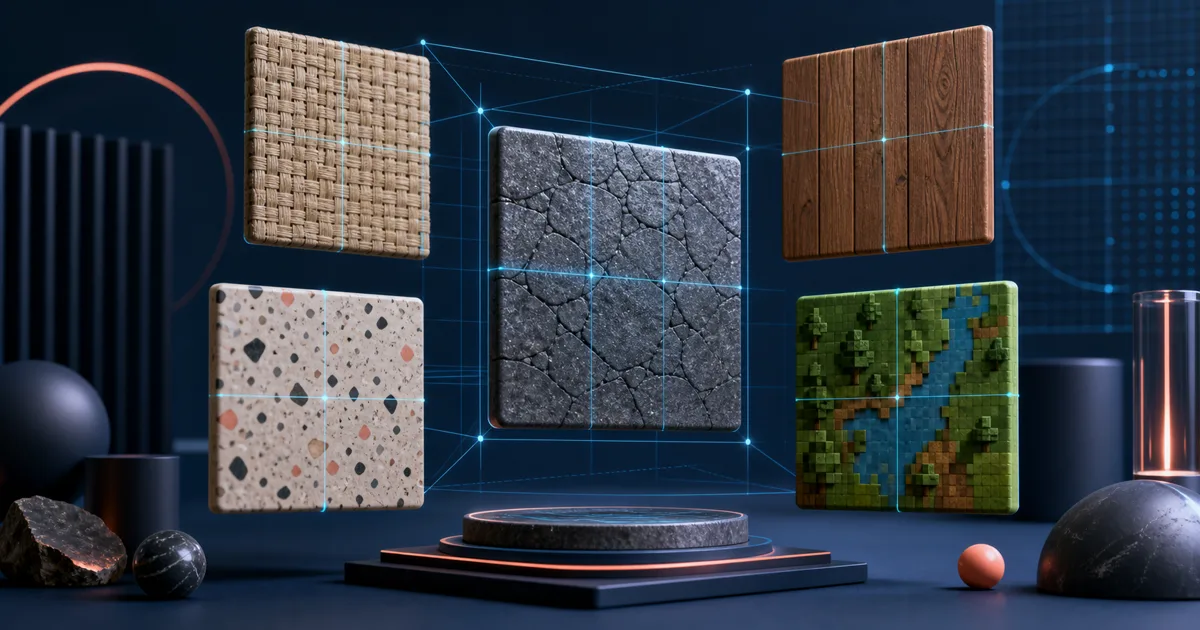
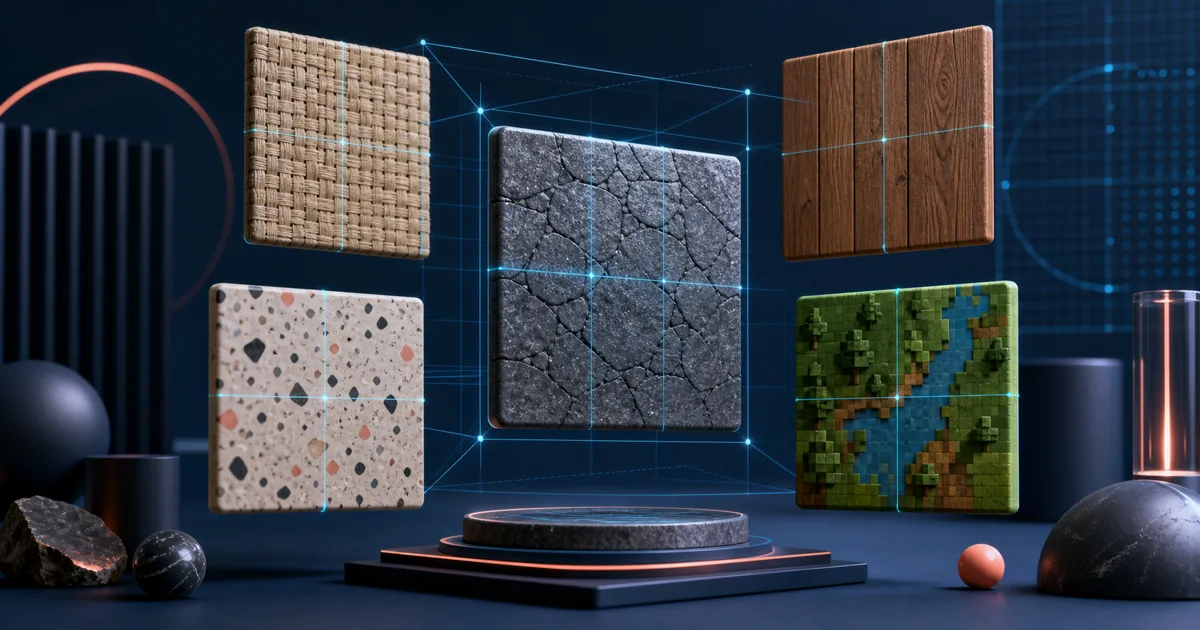
AI image generation makes it easy to create a square image. It does not automatically make it a useful seamless texture. A tileable asset needs the right view, lighting, detail distribution, and edge behavior; otherwise it can look good alone and turn into a grid when repeated across a surface.
The best AI seamless texture generator is therefore the one that fits your destination. A game artist may need PBR maps. A designer may need an image that can be converted into a print pattern. A Blender user may only need a clean base-color PNG to test on a plane. This guide compares the tools by those end jobs.
Research snapshot: public product pages were reviewed on July 15, 2026. Check live pricing, supported export formats, and commercial terms before choosing a production tool.
Already have an image instead of a prompt? Open the Seamless Texture Generator to repair its edges, inspect the 3×3 repeat, and download a tileable PNG.
Best AI seamless texture generators at a glance
| Tool | Best for | Core distinction |
|---|---|---|
| Seamless Texture Generator | Fast prompt-to-tile textures with a visible repeat check | Texture-specific prompt wrapper, image conversion, tiled preview, seam guide |
| Layer | Teams generating game environment textures at scale | Production-oriented text prompts, references, refinements, and batches |
| PLAYTEX AI | Browser-based texture-to-PBR workflows | PBR channel review and engine-facing export path |
| RauGen | Structured material prompt selection | Material categories and optional reference-image guidance |
| NormalMap.ai | Prompted textures that need seamless and PBR processing | Seamless source generation linked to normal-map tools |
What separates a texture prompt from an image prompt
The best texture prompts describe an asset, not a scene. Compare these two requests:
A dramatic photograph of an old stone wall at sunset
Weathered limestone wall texture, fine mineral grain, top-down flat view, neutral diffuse lighting, evenly distributed detail, no border, square seamless repeat
The second prompt tells the model how the image should behave once tiled. It reduces perspective, shadows, borders, and central subject matter—all common causes of unwanted seams. For more examples, see seamless texture prompts.
1. Seamless Texture Generator — best for a focused prompt-to-repeat workflow
Seamless Texture Generator is built around the moment most generic image tools skip: repeat inspection. Enter a straightforward material description, then the tool adds texture-oriented constraints such as square output, top-down view, no border, and evenly distributed detail. After generation, inspect the default 3×3 repeat and optional seam guide; switch to 2×2 or 5×5 when useful.
This makes it a good fit for stone, wood, fabric, concrete, marble, paper, pixel terrain, wallpaper, and abstract surface assets. It is particularly useful for people who need a quick base-color tile for a Blender scene, game prototype, mockup, or print test without adopting a large material suite. If a prompt is not the right start, upload a source to the texture converter instead.
Choose this when you want the short, repeat-aware workflow. It is not the best option when the final deliverable must include a full, production-controlled PBR map stack.
2. Layer — best for game teams generating production texture variations
Layer's AI Seamless Texture Generator targets game-environment work. Its public page describes generating production-quality tileable textures from text prompts, using reference images and adjustable parameters, then refining or batch-producing results. It specifically frames the output around floors, walls, terrain, and environments.
Layer is the strongest choice here when your need is team-scale asset production rather than one-off visual exploration. Use it if you want to standardize texture directions across a game or generate many variations against a shared visual brief. It may be more platform than a solo creator needs for a single wallpaper or mockup surface.
3. PLAYTEX AI — best for generator-to-engine material handoff
PLAYTEX AI is designed for a connected material workflow. Its public product pages describe prompt-to-seamless material creation alongside source-image inputs, cleanup, PBR map generation, visible channel review, versioning, and exports intended for Unity, Unreal, Blender, Godot, WebGL, and glTF.
The differentiator is not simply that it can generate a seamless source texture. It keeps the material channels and handoff visible after the image is made. Choose it when albedo, roughness, normals, and export packaging are part of the same job. Skip it when your output is only a repeatable PNG for a design board or quick concept.
4. RauGen — best for a guided, material-category prompt interface
RauGen's AI Texture Generator is a simple browser route for creators who prefer a structured form over an empty prompt field. Its public page lists material types including wood, stone, metal, fabric, concrete, ceramic, leather, organic, abstract, and water/glass. It also accepts an optional reference image to guide color and surface appearance.
This is useful if you can describe the material but need help turning that thought into a more complete request. It is aimed at broad design, 3D, web, and print use cases. As always, validate the result in a repeat view; a “tileable” setting is not a substitute for looking at the joins yourself.
5. NormalMap.ai — best for seamless generation with map-making next
NormalMap.ai combines prompt-driven texture creation with a seamless-texture workflow and a route into normal, AO, roughness, metallic, and height outputs. Its public page emphasizes 3D modeling, game development, and web backgrounds, and it supports starting from an uploaded image as well as a prompt.
Choose this tool when you want to keep a material build moving after the first color texture is generated. It is less about visual ideation alone and more about converting a usable surface into a renderer-friendly material package.
Five prompt improvements that make every tool work better
No generator can compensate for a prompt that asks for a photographic scene. Use these constraints when appropriate:
- Name the material first: “brushed brass,” “heavy black canvas,” “weathered limestone.”
- Describe surface scale: fine grain, medium stones, large planks, small chips.
- Control the camera: top-down, flat view, no perspective.
- Control lighting: neutral diffuse light, flat lighting, no shadows.
- State the tiling goal: seamless repeat, tileable texture, no border, continuous surface.
Avoid “close-up product photograph,” “cinematic lighting,” “room interior,” “centered object,” and other scene language unless the goal is an illustration rather than a texture. Use the prompt guide for ready-to-copy material examples.
The quality check every AI tile needs
Whether a tool claims seamless output or not, use this last check:
- Open the default 3×3 tiled preview or switch to another density.
- Look at the middle cross before admiring the individual tile.
- Search for repeating bright spots, knots, cracks, or motifs.
- Check whether lighting creates square blocks at a distance.
- Test the PNG on the actual destination surface.
That sequence catches the difference between “an attractive generated square” and “a texture you can ship.”
Final recommendation
Choose Seamless Texture Generator when you want prompt generation, optional image-to-seamless conversion, and an immediate repeat check in a lightweight browser flow. Choose Layer for game-team scale, PLAYTEX AI or NormalMap.ai for PBR-focused work, and RauGen for a guided material prompt interface.
Start with a focused material prompt in the Seamless Texture Generator, then switch to the tiled preview before you download. That one habit will improve results from every AI texture tool.