
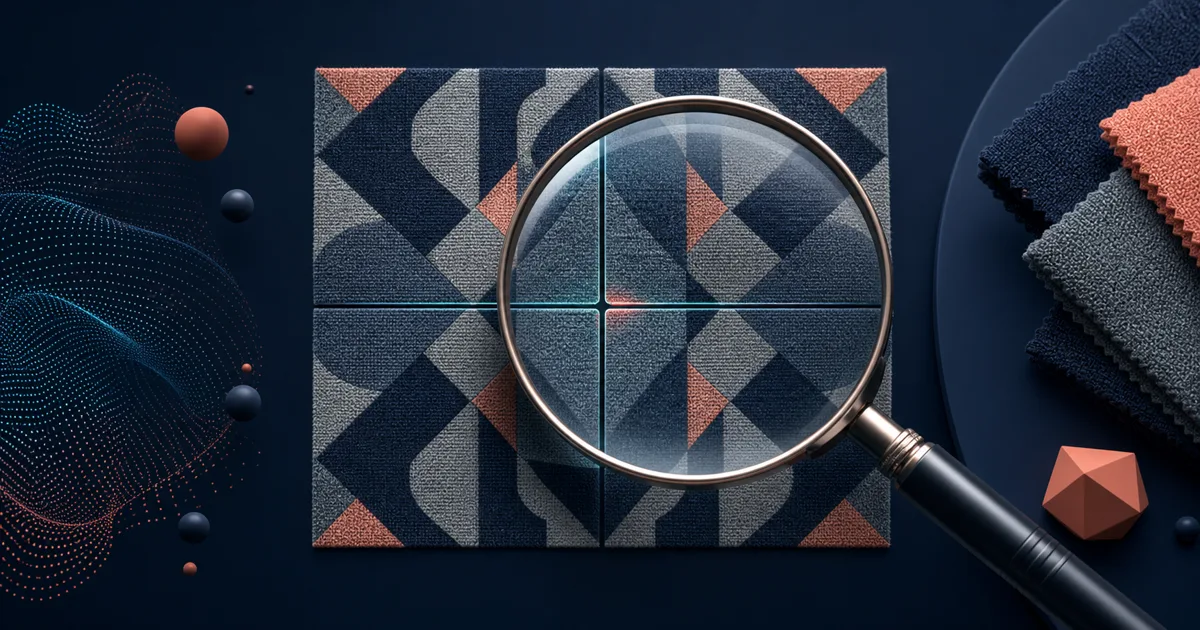
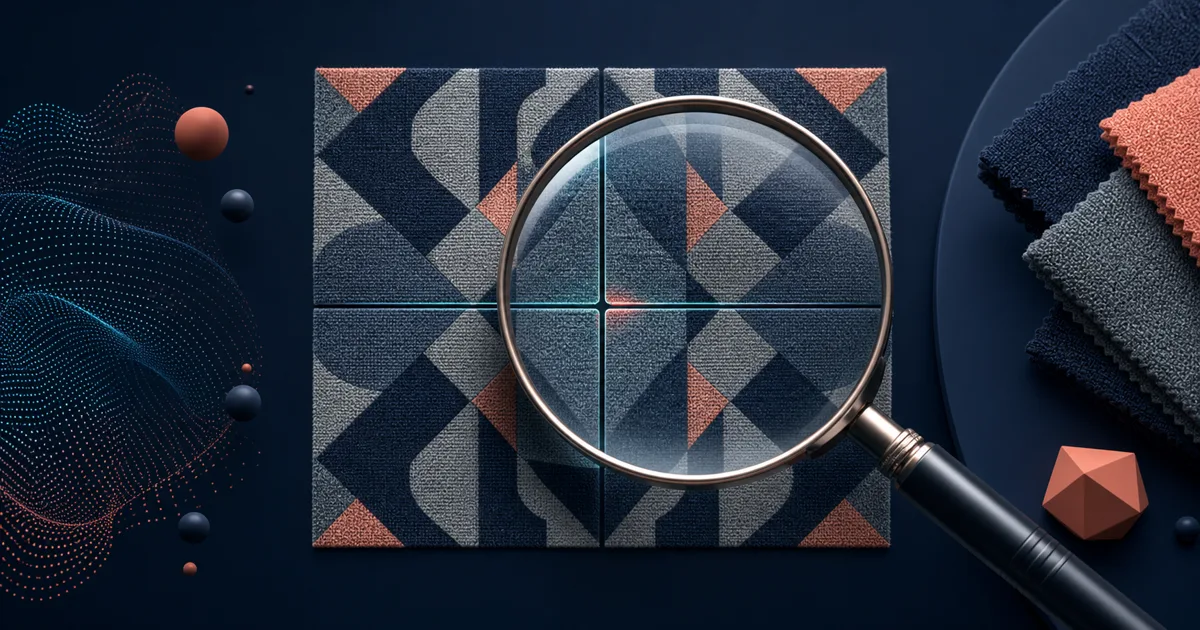
A seamless checker has one job: reveal what a single-image preview hides. Upload a tile, repeat it in both directions, and look at the joins. That simple test catches borders, jumps, scale problems, broken lines, lighting blocks, and accidental grids before a pattern reaches a fabric sample, a wallpaper mockup, or a 3D scene.
Patternaly is a useful free checker for this exact job. It offers image upload, a repeat-grid preview, and seam inspection without asking you to use Photoshop first. The alternatives below are not interchangeable; some are diagnostic tools, while others can also repair or generate a better tile.
Research snapshot: features were checked on public pages on July 15, 2026. Test your own export in the live tools before approving production artwork.
The fastest recommendation
- Use Patternaly or seamless.tile.graphics when you only need a clean, free checker.
- Use Danthree Texture Checker when you want more diagnostic aids such as a seam overlay, magnifying glass, and mirror test.
- Use Seamless Texture Generator when you want to generate or repair the image and inspect the repeat in the same workflow.
- Use Photoshop when the checker reveals a problem that needs precise manual retouching.
- Use PatternedAI when a decorative pattern needs AI-assisted repair or further design work after the check.
What a checker should help you spot
A repeat grid is more useful when you know what you are looking for. Check these failure modes deliberately:
| Failure | What it looks like in a repeat | Common fix |
|---|---|---|
| Edge mismatch | A vertical or horizontal line | Blend or rebuild the opposite edges |
| Lighting drift | Repeating light and dark blocks | Use flatter source lighting or balance the image |
| Cut-off structure | A crack, stripe, or motif suddenly stops | Repair the offset seam or reposition the motif |
| Hero-detail repetition | The same flower, knot, or stone announces every tile | Reduce its prominence or regenerate with distributed detail |
| Bad scale | The repeat is technically clean but visually too obvious | Change tile size or use a larger, less repetitive source |
Checking at more than one zoom level is important. A textile designer may care most about motif rhythm; a game artist may care most about a faint grid that appears at a distance.
1. seamless.tile.graphics — best simple browser checker
seamless.tile.graphics is a focused alternative for people who want to drag in an image and see how it tiles. Its public page describes it as a free seamless texture checker for architectural visualization, 3D modeling, game design, surface pattern design, and AI-generated tiles.
It is a good choice for a quick second opinion. Keep it open beside your design tool, drop in the latest PNG, and look for the joins. Because it is purpose-built, the interface asks little of you.
It does not create, edit, or repair the image. That limitation is helpful when you need unbiased QA, but you will need another tool once it finds a problem.
2. Danthree Texture Checker — best for diagnosing why a tile fails
Danthree's Texture Checker adds more diagnostic detail to the basic repeat preview. Its public page highlights a large preview, zoom, seam overlay, mirror test, file-property checks, and local browser processing.
The mirror test is particularly useful for surfaces such as stone, concrete, wood, and fabric. It exposes edge continuity in a different way from a normal repeat and can make a tonal mismatch more obvious. Use this when you are troubleshooting a failed material tile, not merely approving a small decorative repeat.
3. Seamless Texture Generator — best when you need to fix the problem, not just find it
Seamless Texture Generator makes the checker part of the creation workflow. Prompt a new material or upload an existing reference, then inspect the default 3×3 repeat with an optional seam guide; Single, 2×2, and 5×5 views are also available. The result is a practical loop: generate or convert, inspect, adjust, and download.
This is valuable for image-to-seamless work. The Seamless Texture Generator is designed for surface-like photos, scans, and AI renders that have the right character but bad borders. Rather than discovering a seam after exporting, you can inspect it before choosing the final PNG.
Use this alternative if quality control should not be a separate handoff. It is not intended to replace a specialist preflight checker with every possible analysis tool.
4. Photoshop — best for surgical repair after the check
No checker can repair a broken crack or a badly cropped motif by itself. Photoshop remains useful when you need to move the seam inward with Offset, then use clone, heal, masks, and local adjustments to rebuild the material. It is slow, but it is the right answer for irreplaceable raster art.
This is especially true when the tile contains a specific hand-painted mark, brand illustration, or source photograph that automatic repair might change too much. Check first, repair second, then check again. Our Photoshop pattern tutorial describes the core offset-and-repair approach.
5. PatternedAI — best when inspection leads to a design revision
PatternedAI is more than a checker. Its public product pages describe tools to generate, edit, recolor, repair, and prepare seamless patterns for print. That makes it a sensible next step when the seam check tells you the original decorative design needs a new colorway, a removed element, or a repaired repeat rather than a small pixel edit.
Choose it for motif-driven textiles, wallpaper, packaging, and print products. For a material image such as a concrete wall or a game floor, use a texture-specific repair workflow instead.
The preflight routine worth keeping
Before you fill a large canvas, order fabric, publish a digital paper, or assign a material to a scene:
- Export the tile at its intended size.
- Check it in a repeat grid at normal viewing distance.
- Zoom into the central cross and all four join directions.
- Look again at a smaller zoom for blocks and over-obvious repetition.
- Repair or regenerate the source.
- Repeat the test after every material change.
A checker cannot declare a pattern aesthetically successful, but it can stop obvious technical failures from becoming expensive ones.
Final recommendation
Patternaly is a sound free choice for a quick repeat test. Pick seamless.tile.graphics for a similarly focused browser check, Danthree for richer diagnostics, and Photoshop when a difficult source needs manual repair.
Use Seamless Texture Generator when you want to keep the seam check attached to prompt generation or image conversion. For an existing image, start with the converter, inspect the default 3×3 repeat, and only then use the tile in a large pattern or material workflow.