Upload workflow is ready

Image to Seamless Texture Converter

Upload a source image, repair its edges, preview it as a 2x2 repeat, and export a clean tileable PNG for production tests.

Best for stone, fabric, paper, plaster, concrete, wood grain, abstract surfaces, and pattern references.

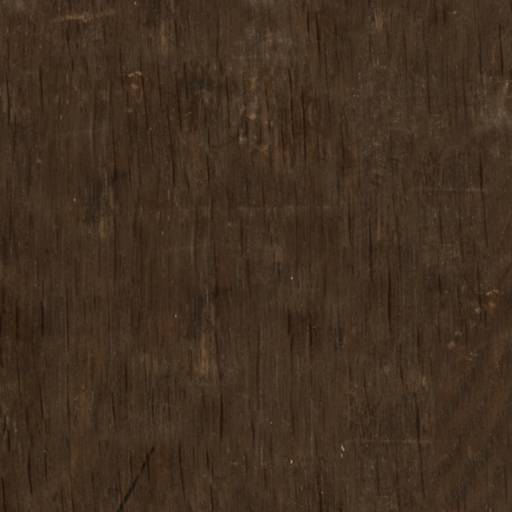
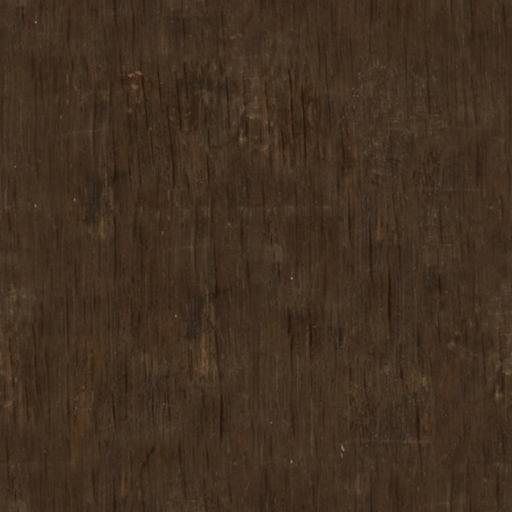
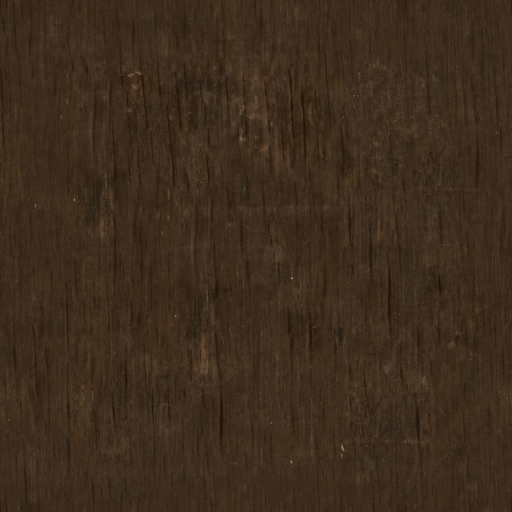
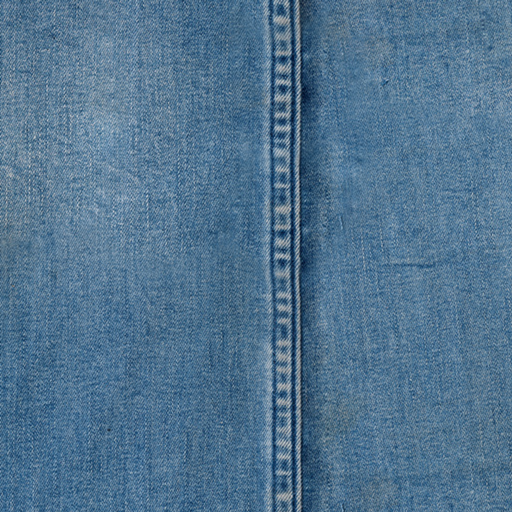
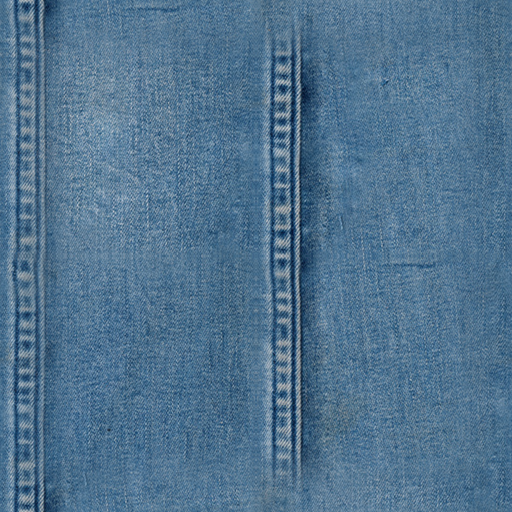
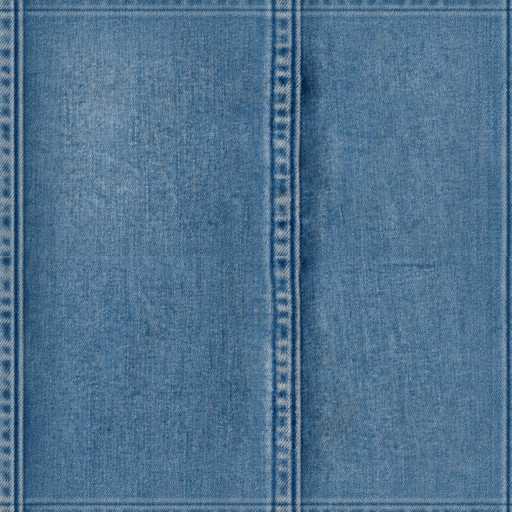
Uploaded material image converted into a seamless texture preview
Upload converter

Make your image seamless on this page

Drop in a source image and process it here. The result stays on this page with single-tile preview, 2x2 repeat preview, seam scores, and PNG download.

sourcenone
size0 KB
Seamless output preview

Compare the source repeat with the processed repeat.

Upload a texture source and the processed seamless PNG will appear here.

before0.00
after0.00
improved0%
output0x0

Turn ordinary reference images into repeat-ready texture tiles

The converter analyzes the uploaded PNG, softens mismatched borders, repairs internal offset seams, and gives you a tiled preview so visible joins are easy to catch before export.

Upload-first workflow

Start from a photo, scan, AI render, or design reference instead of writing a prompt from scratch.

Edge repair algorithm

The backend performs low-frequency balancing, toroidal offset repair, feather blending, and edge harmonization.

2x2 repeat preview

Inspect the result in a repeated layout, the fastest way to spot an obvious seam.

Production-friendly PNG

Download a clean image you can test in Blender, game engines, mockups, print layouts, or CSS backgrounds.

Built for texture cleanup, not generic image editing

The page is tuned for creators who need a repeatable surface quickly, with enough quality control to decide whether the tile is ready for a larger workflow.

The algorithm reduces edge discontinuity while keeping grain, fiber, noise, mineral variation, and other useful material detail.

Workflow

From upload to tile check in four steps

Use the converter as a focused pre-processing pass before you bring the texture into your art or material pipeline.

1

Choose an image

Upload a square or rectangular source with enough repeated surface detail.

2

Repair the seams

The backend normalizes broad lighting shifts, offsets the image, and blends the old borders into the interior.

3

Inspect 2x2 repeat

Switch to tiled preview and use the seam guide to judge whether the repeat is usable.

4

Export PNG

Download the seamless texture and test it in your destination tool.

What the converter does under the hood

A compact image-processing pipeline designed for practical seamless texture cleanup.

Low-frequency balancing

Softens broad lighting gradients that make repeated tiles look like visible blocks.

Low-energy cut selection

Finds calmer central cut lines before shifting the texture across both axes.

Toroidal offset repair

Moves the original borders into the image interior, where they can be feathered instead of repeated at tile edges.

Feathered seam blending

Blends around the repaired internal seam to reduce abrupt tonal and structural jumps.

Opposite-edge harmonization

Pairs the final left-right and top-bottom borders so the exported tile repeats cleanly.

Seam score feedback

Shows before and after seam metrics so you can compare references with less guesswork.

Image to seamless texture FAQ

Practical notes for getting the cleanest repeat from an uploaded image.


Process another image on this page

Jump back to the converter, upload a new source, and compare the seam score.