
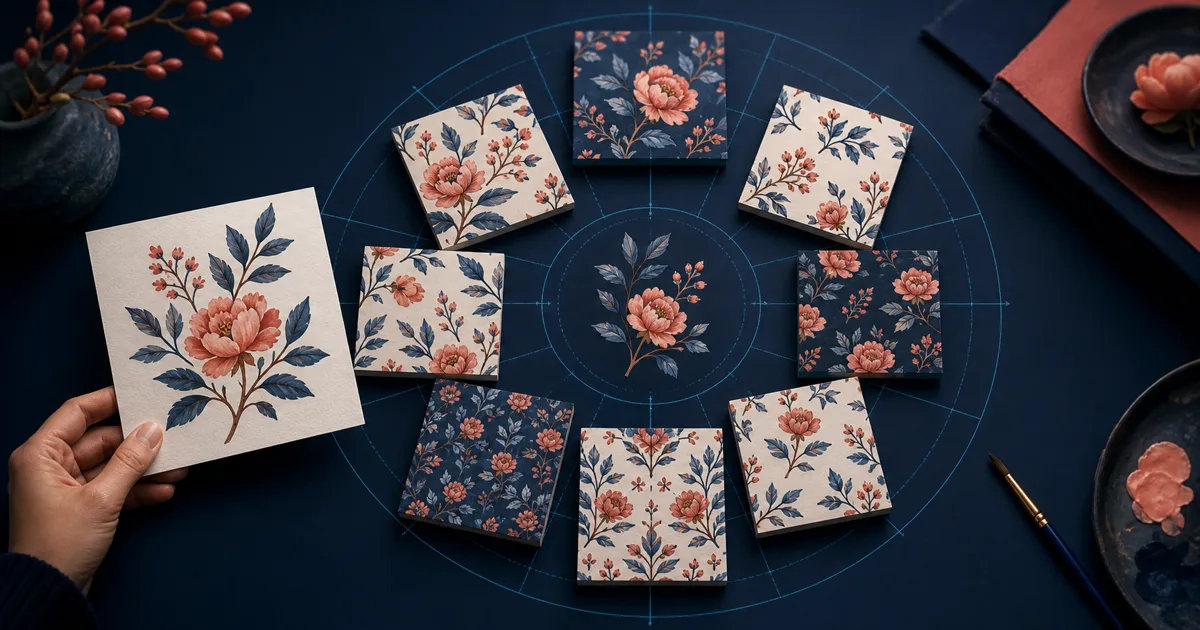
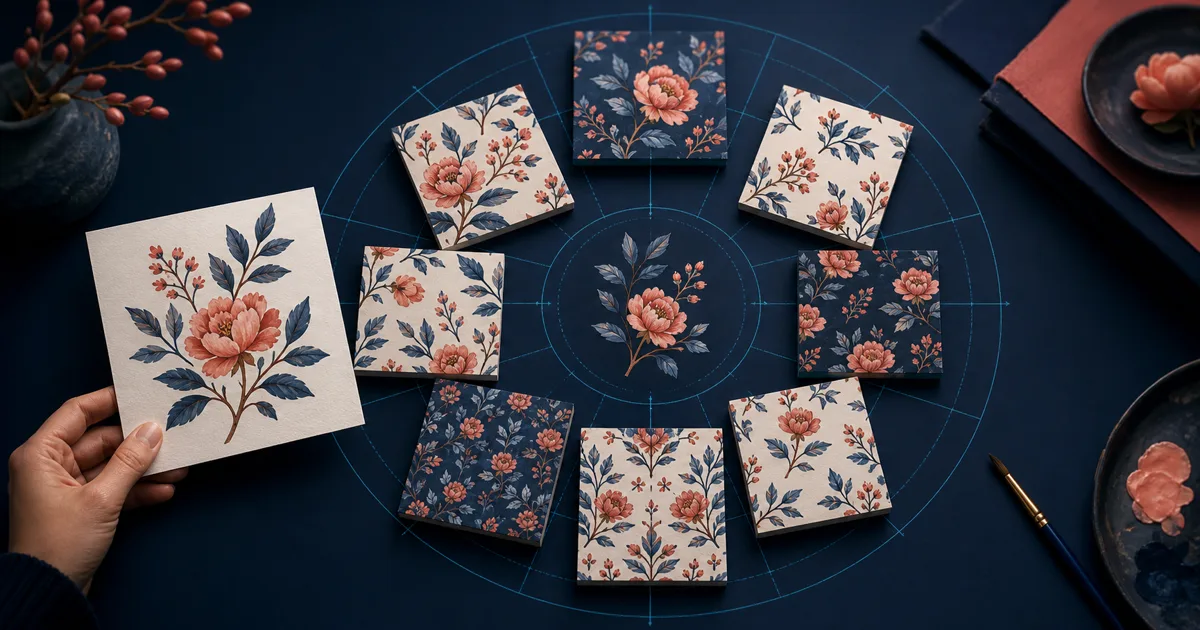
Repper is built for a satisfying and specific task: take an image you own, choose a tiling construction, adjust the crop, and explore a seamless pattern in real time. Its public site positions the product around image-led pattern making, more than 30 tiling styles, and 3D product visualizations. That is a very different workflow from telling an AI to invent a new surface.
So the useful question is not “What is cheaper than Repper?” It is “What kind of control do I need over the source, the repeat, and the final file?” These Repper alternatives each answer that question differently.
Research snapshot: public product pages were reviewed on July 15, 2026. Confirm current plans and output rights on the live Repper website before choosing a paid tool.
At a glance
| Tool | Best when | Different from Repper because |
|---|---|---|
| Seamless Texture Generator | A photo or AI render needs to become a material-like tile | It combines prompt generation, edge repair, and seam inspection |
| PatternedAI | You want AI pattern creation and print-oriented refinements | It leans into generation, recoloring, editing, and production exports |
| Adobe Illustrator | The repeat must stay editable as vector artwork | It gives precision rather than instant image-driven exploration |
| Photoshop | You need manual cleanup of a difficult raster source | It gives pixel-level control, but demands more time |
| PLAYTEX AI | The texture is headed into a renderer or game engine | It continues into PBR maps and material export |
1. Seamless Texture Generator — best for repairing a surface image or generating a new one
Seamless Texture Generator is the best Repper alternative when your source is a surface, not a motif. Think plaster, concrete, wood grain, fabric, marble, paper, bark, soil, or a game floor. You can start from a short texture prompt or upload a photo, scan, render, or existing AI image through the texture converter.
The key difference is the quality-control loop. After processing, you can inspect the image as a default 3×3 repeat, switch to 2×2 or 5×5, and turn on a seam guide. A photo can look fine as one square while still create a dark band, a broken crack, or a repeating hero detail when tiled. Seeing those problems early matters more for materials than for an intentionally rhythmic print pattern.
Choose this route when you want an asset for Blender, a game prototype, a mockup surface, or a wallpaper test. Choose Repper if the goal is to build a deliberate geometric repeat from your own motifs.
2. PatternedAI — best for AI-assisted surface-pattern design
PatternedAI is a sensible choice if your reason for leaving Repper is that you want more AI assistance. Its public tools cover prompt-based generation, image extraction, recoloring, seamless repair, local pattern editing, vectorization, and print preview. That is a broad toolkit for textile, wallpaper, packaging, and product-pattern workflows.
The trade-off is intentionality. Repper's appeal is that you arrange a source image into a repeat with visual control. AI generation can offer faster stylistic exploration, but it can also introduce details that you did not request. Use PatternedAI when you need new motif directions and colorways; use Repper when the exact source and construction matter most.
3. Adobe Illustrator — best for repeat rules you can edit years later
Illustrator is the long-lived option. It is ideal when the deliverable is not simply a PNG but a working design file with editable paths, layers, swatches, and repeat settings. A geometric pattern, branded icon system, or floral collection often benefits from that permanence.
Unlike Repper, Illustrator does not take the hard part away. You will need to arrange elements, manage edge crossings, and evaluate the repeat. In return, the construction remains explicit rather than baked into a raster tile.
It is a strong alternative for licensing, client production, and multi-color print work. For a basic walkthrough, see how to make a seamless pattern in Adobe Illustrator.
4. Photoshop — best for one difficult source image
Photoshop is a good alternative when a single image needs rescue rather than an entirely new pattern system. Its Offset filter, healing tools, clone tools, masks, and adjustments let you move the border seams into the center of the canvas, repair them, then test the image again.
This is labor-intensive, but it earns its place when an art director needs a particular photograph, scan, or historical texture preserved. Automatic tools may erase a distinctive crack, weave irregularity, or painted mark; manual retouching lets you decide what stays.
Choose Photoshop when the image is valuable enough to justify hands-on work. Use a converter when speed matters more than pixel-level editorial control. Our Photoshop seamless-pattern guide shows the manual route.
5. PLAYTEX AI — best when a “pattern” is really a material source
PLAYTEX AI is relevant when a repeated image is only the beginning of a material workflow. It accepts prompt or source-image inputs and its public documentation focuses on deterministic PBR map generation, visible channel review, and exports for common engines and renderers.
This tool is not an alternative to Repper for a scarf print or an illustration collection. It is an alternative for game artists who need an albedo tile to become a material with normal, roughness, AO, height, and other channels. Its advantage is workflow continuity after the repeat is made.
Pick by source, not by buzzword
The word “pattern” hides three very different starting points:
- You own a motif, drawing, or photo and want to compose it. Use Repper.
- You own a surface photo and want it to tile without obvious joins. Use the Seamless Texture Generator, Photoshop, or a material-focused tool.
- You only have a description of the result. Use a prompt-based generator such as Seamless Texture Generator or PatternedAI.
That one choice narrows the field more reliably than a long feature checklist.
Final recommendation
Repper is still one of the clearest choices for image-led, deliberately constructed repeats. Move away from it only if your work needs a different kind of outcome: AI-driven motif creation, editable vectors, deep raster retouching, or game-material maps.
For photo-to-material and prompt-to-texture jobs, Seamless Texture Generator provides the shortest path from source to a repeat-aware PNG. Use its tiled preview before committing an asset to a scene, mockup, or print canvas.