
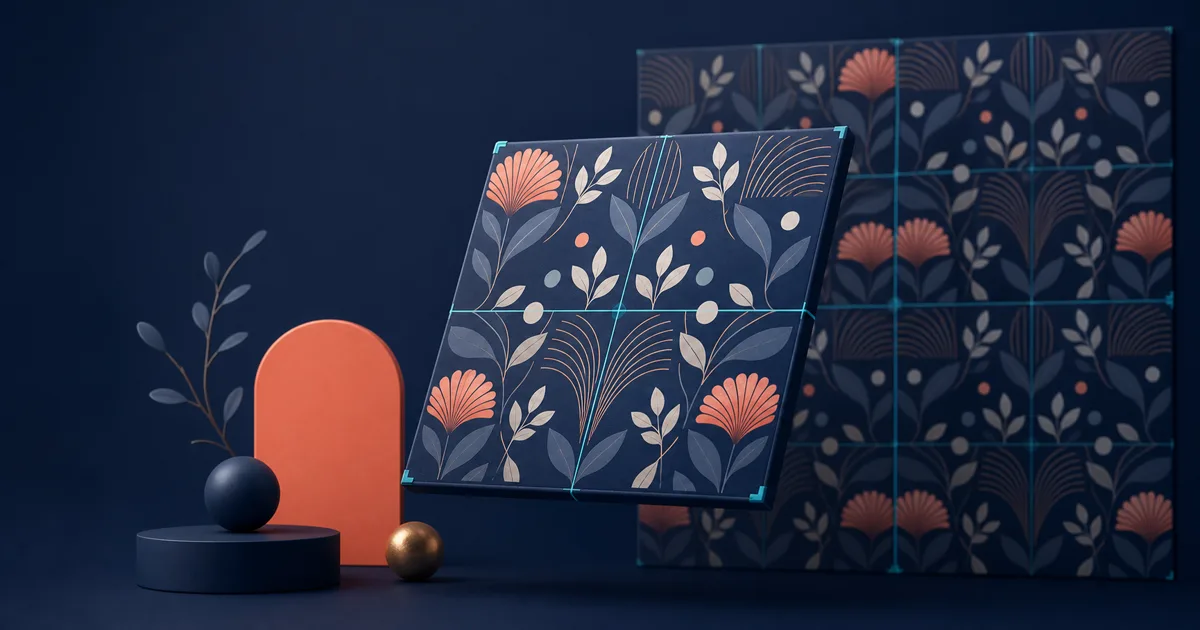
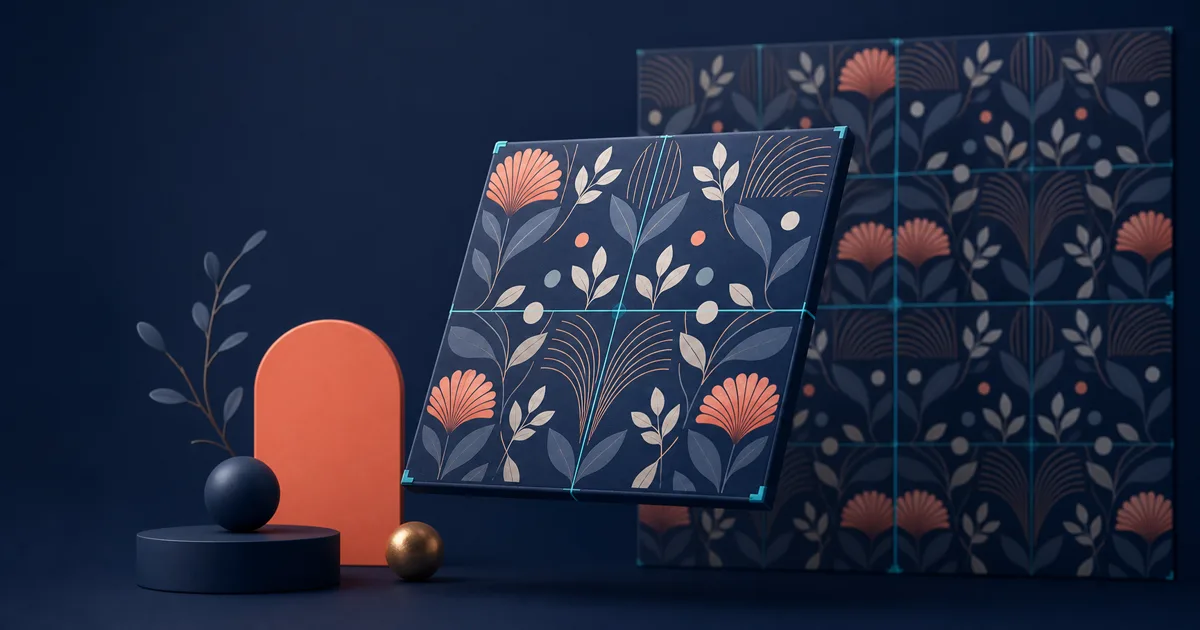
PatternedAI is a capable choice for people making decorative repeats. Its public product pages cover text-to-pattern generation, extracting patterns from images, editing and recoloring a pattern, repeat repair, and print-oriented exports. That makes it a broad platform rather than just a prompt box.
The best PatternedAI alternative depends on the step that is slowing you down. A surface designer who needs print-ready motif work needs something different from a game artist repairing a photographed concrete wall. This guide sorts the alternatives by job instead of pretending one tool wins every category.
Research snapshot: features below were checked against public product pages on July 15, 2026. See PatternedAI's product overview before making a purchase; plans and exports can change.
The short answer
- Choose Seamless Texture Generator when you need a prompt or uploaded image to become a repeat-ready material texture, then want to inspect it as a tile before export.
- Choose Repper when you want hands-on control over how your own photo, illustration, or motif becomes a geometric repeat.
- Choose Adobe Illustrator when the output must remain an editable vector repeat.
- Choose PLAYTEX AI when the pattern is part of a game-material pipeline with PBR maps and engine export.
- Stay with PatternedAI when its recoloring, vectorization, and print-production tools are central to the way you work.
What to evaluate before switching
Do not compare pattern tools only by whether they can make a seamless square. Ask what must happen after the first image exists:
| If your next job is... | Prioritize... |
|---|---|
| A fabric, wallpaper, or packaging concept | Motif control, colorways, repeat style, print resolution |
| A wall, floor, or prop texture | Neutral lighting, material detail, tiled preview, image cleanup |
| A source photo you need to preserve | Image-first control and predictable repeat construction |
| A 3D asset | PBR maps, channel preview, and engine handoff |
| A production illustration file | Editable vector output and design-tool compatibility |
That distinction prevents a common mistake: choosing an attractive pattern generator, then discovering it does not fit the way the finished asset will be used.
1. Seamless Texture Generator — best for surface assets that must pass a repeat check
Seamless Texture Generator is the most direct alternative when you are making a usable surface rather than a motif-led design. Start with a text prompt or a photo, scan, render, or reference image; then inspect the default 3×3 repeat and switch to Single, 2×2, or 5×5 as needed. The seam guide makes every internal join easy to inspect before you download a PNG.
It is particularly useful for wood, stone, concrete, paper, fabric, marble, terrain, and abstract material textures. The prompt workflow is built around constraints that matter for tiling: top-down view, flat lighting, distributed detail, no border, and a square repeat. The texture converter is the better starting point when a source already has the right character but mismatched edges.
Choose it if you need to answer, “Will this look convincing across a large wall or floor?” rather than only, “Is this a nice pattern?” It is not a replacement for a full vector-production suite or a deep PBR authoring package.
2. Repper — best for intentional repeats made from your own source imagery
Repper is a strong alternative for artists who want direct control rather than generative surprise. Its public workflow is based on uploading an image, choosing a tiling style, and adjusting the selection. Repper says it offers more than 30 tiling styles and creates a seamless repeat in real time.
That makes it an excellent match for hand-drawn motifs, collage, photography, scanned paint, and brand elements. You decide what material goes into the repeat and how it is arranged. The trade-off is that it does not solve the same problem as a texture-specific prompt workflow: it will not invent a realistic limestone or woven canvas surface from a sentence.
Pick Repper when source ownership and composition control are more important than AI generation. Pick a texture workflow when you need material ideas, edge repair, and a fast asset check.
3. Adobe Illustrator — best for editable vector repeats
Illustrator is not an AI pattern subscription in the same sense, but it remains a practical alternative for designers who need a repeat that stays editable. Its Pattern Make workflow is useful when color separation, precise geometry, editable motifs, and production handoff matter more than fast generation.
The advantage is control. You can revise one leaf, change a color swatch, alter spacing, or prepare an artwork file without committing to a raster image. The cost is time and skill: building a satisfying repeat still requires intentional placement and an understanding of how the tile behaves.
Use Illustrator for vector artwork and commercial print files. Use an AI generator to explore directions quickly, then move the selected direction into Illustrator if it needs exact control. For a manual starting point, see our guide to making a seamless pattern in Illustrator.
4. PLAYTEX AI — best for patterns that become game materials
PLAYTEX AI is aimed at a different end product: a material workflow with prompt or source-image inputs, texture cleanup, PBR channels, and exports for tools such as Unity, Unreal, Blender, Godot, WebGL, and glTF. Its public site emphasizes keeping albedo, normal, roughness, metallic, AO, height, and emission channels visible before export.
It is the better PatternedAI alternative when the word “seamless” is only the first requirement. If you need a full material stack for a production game scene, channel control is more valuable than a broad library of decorative pattern treatments.
It is probably excessive for a simple fabric mockup or digital-paper product. Use it when downstream rendering and engine requirements drive the decision.
5. Patternaly — best for a fast preflight check, not generation
Patternaly's Seamless Pattern Checker has a narrow purpose: upload an image, view it as a repeat grid, and look for seams, alignment problems, and scale issues. It does not compete with PatternedAI's creative toolkit feature for feature. It solves a different, valuable job: catching a bad repeat before it reaches a print listing or mockup.
Use a checker when you already have a finished tile and want a neutral quality-control pass. It is especially valuable for patterned fabric, wallpaper, digital papers, and client files where a visible join would be costly. If you also need to create or repair the asset, start in a generator or converter, then check the export.
A decision path that avoids tool sprawl
- Need a new decorative concept? Start with PatternedAI or another pattern-first generator.
- Need to preserve your own image and control the repeat? Start with Repper.
- Need a material texture from a prompt or photo? Use Seamless Texture Generator.
- Need editable vector art? Move to Illustrator.
- Need a game-ready material set? Use PLAYTEX AI or a professional PBR workflow.
- Need to know whether the export actually tiles? Run a checker or use a tiled preview before delivery.
Final recommendation
PatternedAI is still a compelling choice for print-focused pattern creation. The best alternative is determined by the asset's destination: Repper for controlled source-image repeats, Illustrator for vectors, PLAYTEX AI for PBR material pipelines, and Patternaly for a dedicated check.
Choose Seamless Texture Generator when the destination is a repeatable surface asset and you want the generation, image-to-seamless, and seam-inspection steps close together. If you are comparing more directly, read PatternedAI vs Seamless Texture Generator.