
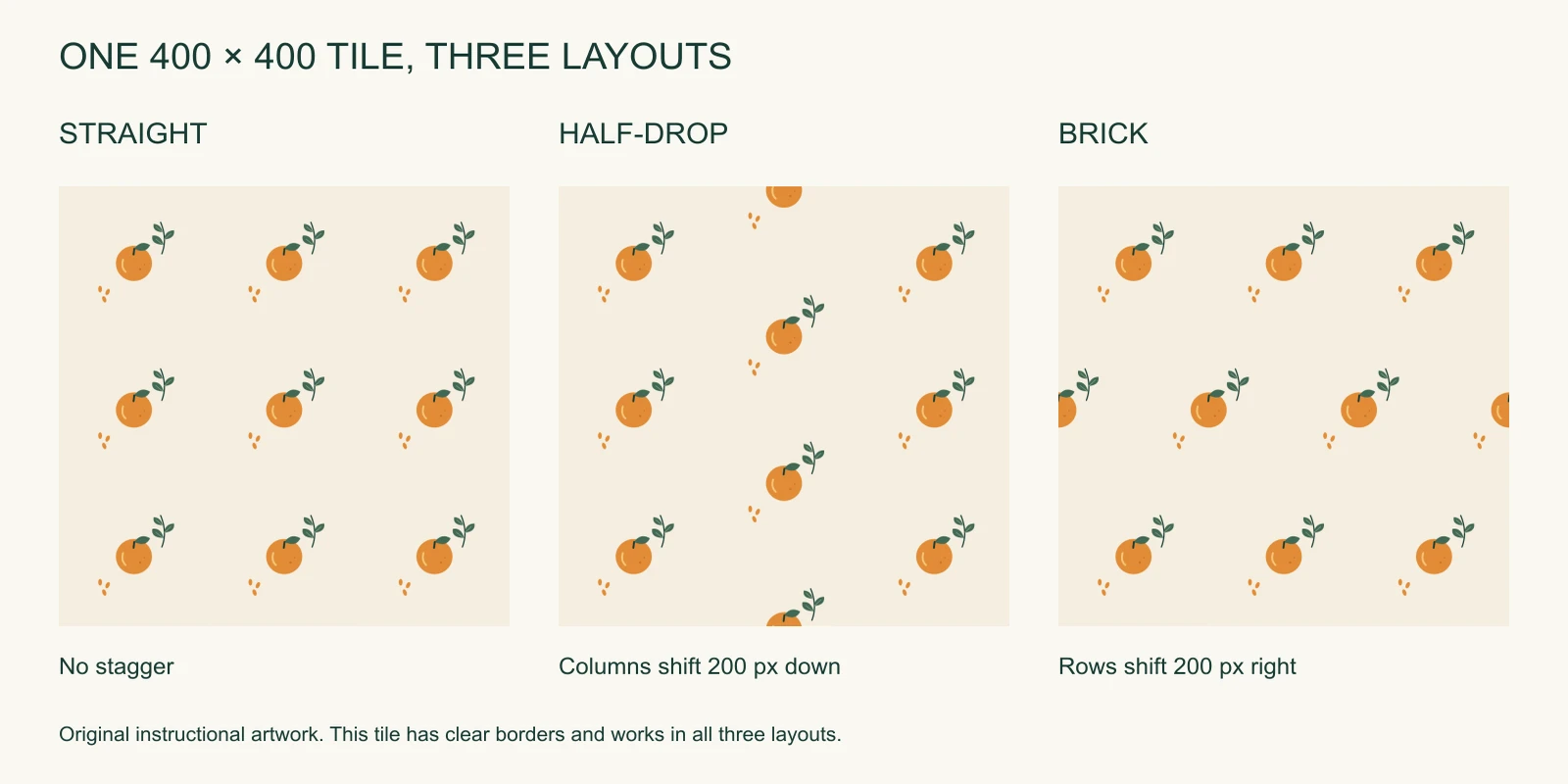
A half-drop repeat shifts every other column vertically by half the tile height. For a 400 × 400 px tile, neighboring columns alternate between a 0 px and 200 px vertical position. Every second column returns to the first column's alignment.
This often breaks up obvious horizontal rows, but the tile's edges must support the stagger. A straight-repeat tile with a flower crossing its left and right edges can develop broken flowers when you choose half-drop. The layout setting changes where neighboring pixels meet.
We compared the definitions in Pattern Observer's repeat guide with the physical construction in Handprinted's block-printing tutorial. Below, original downloadable artwork makes the geometry and the export choices explicit.
Download the practice tiles
All files below are original SeamlessCanvas teaching artwork. You may use and adapt them in personal or commercial patterns. Each PNG has an opaque cream background and contains no guide lines or labels.
| File | Pixel dimensions | Correct use |
|---|---|---|
| Clear-border practice tile | 400 × 400 | Compare straight, half-drop, and brick safely |
| Straight-repeat edge tile | 400 × 400 | Use Straight; inspect its failure under Half-drop |
| True half-drop edge tile | 400 × 400 | Use Half-drop; inspect its failure under Straight |
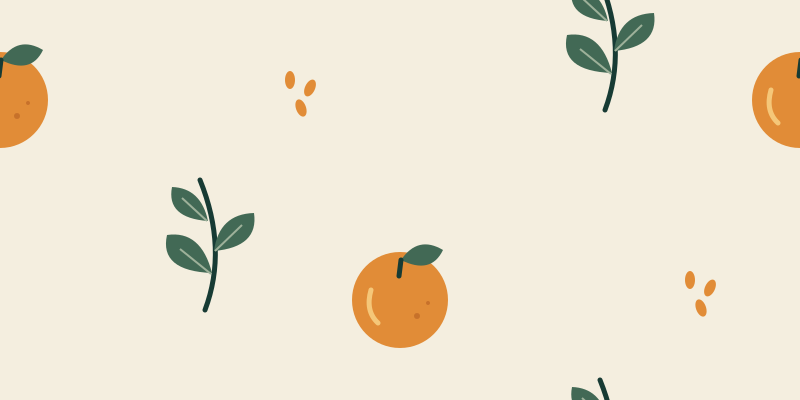
| Half-drop rectangular supertile | 800 × 400 | Use Straight; the stagger is already inside the image |
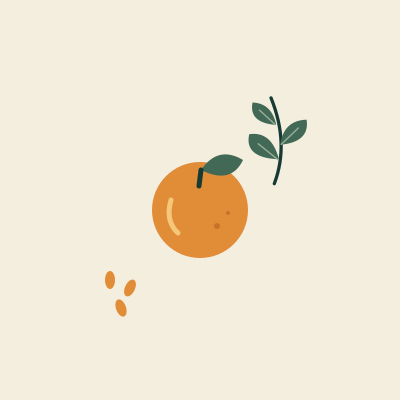
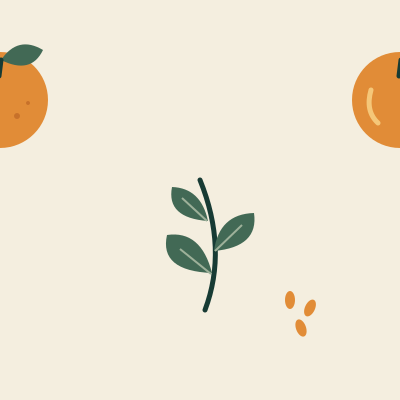
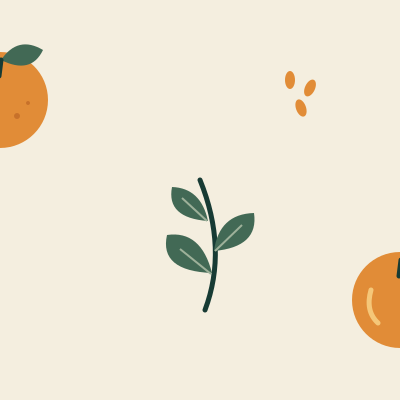
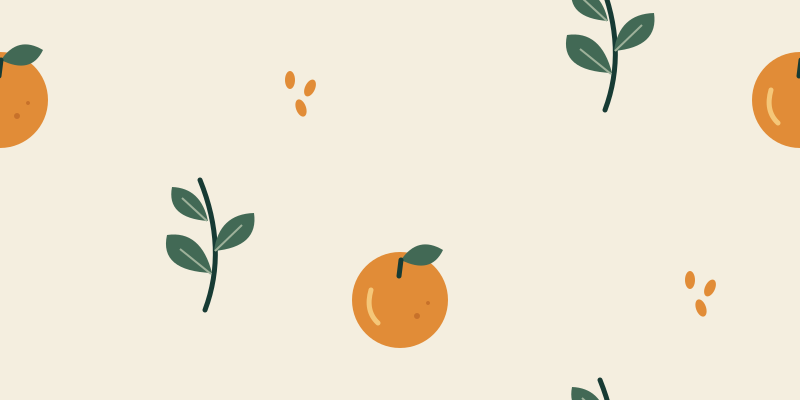
The half-drop SVG source and supertile SVG source are available if you want to inspect the object placements. The pictures in this article are original diagrams, not screenshots or printer proofs.
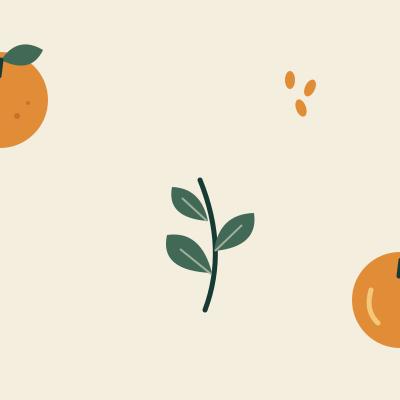
Straight, half-drop, and brick use different axes
Start with the clear-border practice tile. Its orange, leaves, and seeds sit entirely inside the square, leaving solid color along all four edges. That specific construction allows the same artwork to work in all three layouts.
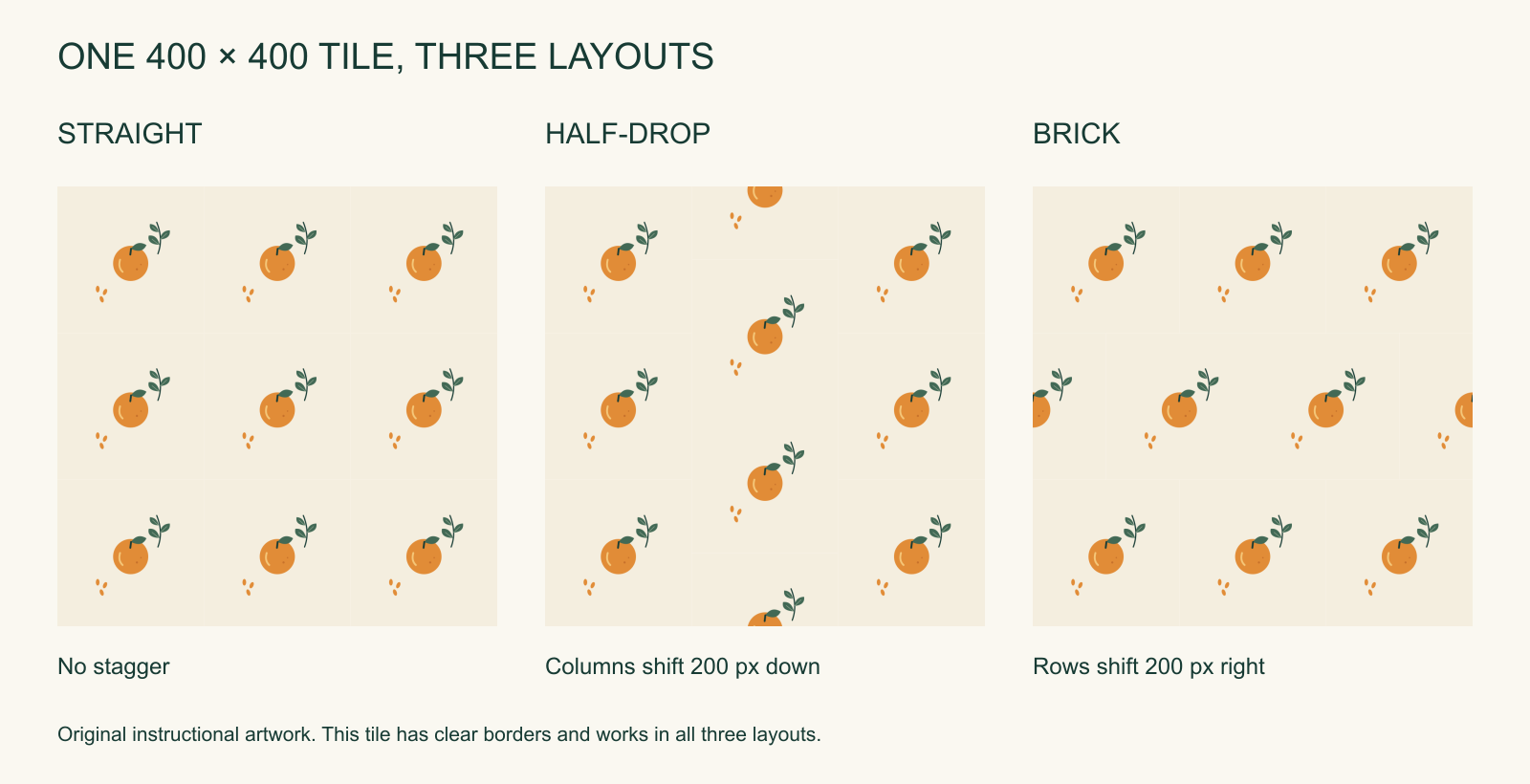
The following positions describe tile origins, measured from the top-left of a larger canvas. Let W be the tile width, H its height, c the column index, and r the row index, starting at zero.
| Layout | Horizontal position | Vertical position |
|---|---|---|
| Straight / full-drop | c × W | r × H |
| Half-drop | c × W | r × H + H/2 in odd columns; otherwise r × H |
| Brick / half-brick | c × W + W/2 in odd rows; otherwise c × W | r × H |
With a 400 × 400 px tile, a half-drop first row begins at (0, 0), (400, 200), and (800, 0). The second column also needs a copy at (400, -200) so the top of the filled canvas is covered. The stagger continues beyond the crop boundary.
Brick works across the other axis. Its second row begins at (-200, 400), (200, 400), and (600, 400) when filling the left edge. Neither layout rotates or mirrors the artwork. The same tile keeps its orientation throughout.
The names are sometimes used loosely in craft discussions. Check the axis shown in a tool's preview. In SeamlessCanvas, Half-drop shifts alternate columns vertically, while Brick shifts alternate rows horizontally.
Why a seamless straight tile can fail when staggered
A straight tile pairs a point on the left edge with the right edge at the same vertical position. Half-drop pairs those vertical edges with a shift of half the tile height. Its top and bottom edges still meet without a horizontal shift.
For a 400 px high tile, a right-edge fragment at y = 300 needs the corresponding left-edge fragment at y = 100, after wrapping the 200 px offset around the tile height. Matching both fragments at y = 100 supports a straight repeat instead.
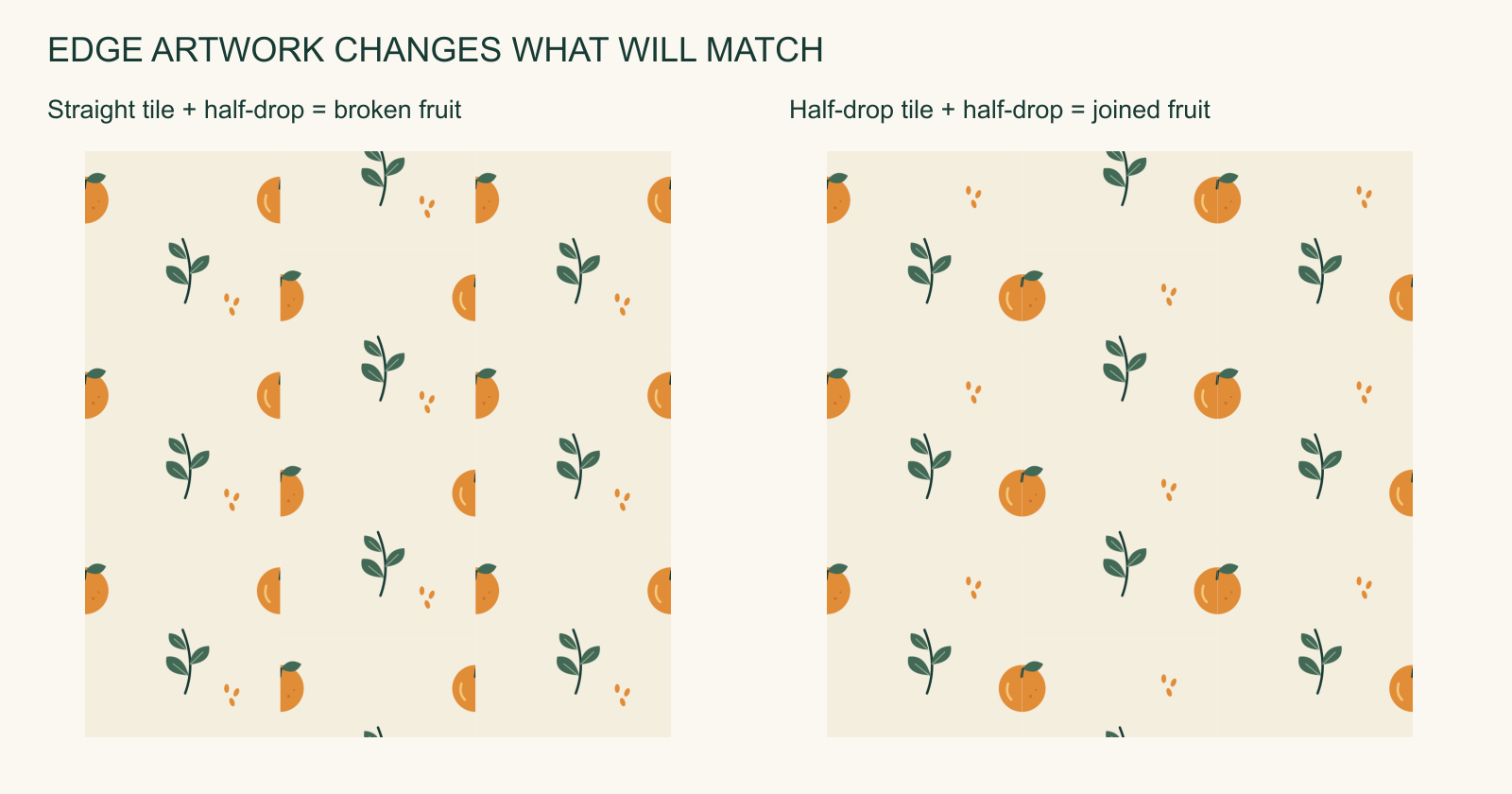
Compare the straight tile rendered with an incorrect half-drop layout with the correct half-drop rendering. In the first image, fruit halves that originally met at the same height separate along the column boundaries. Moving whole tiles did not move the fragments within each image.
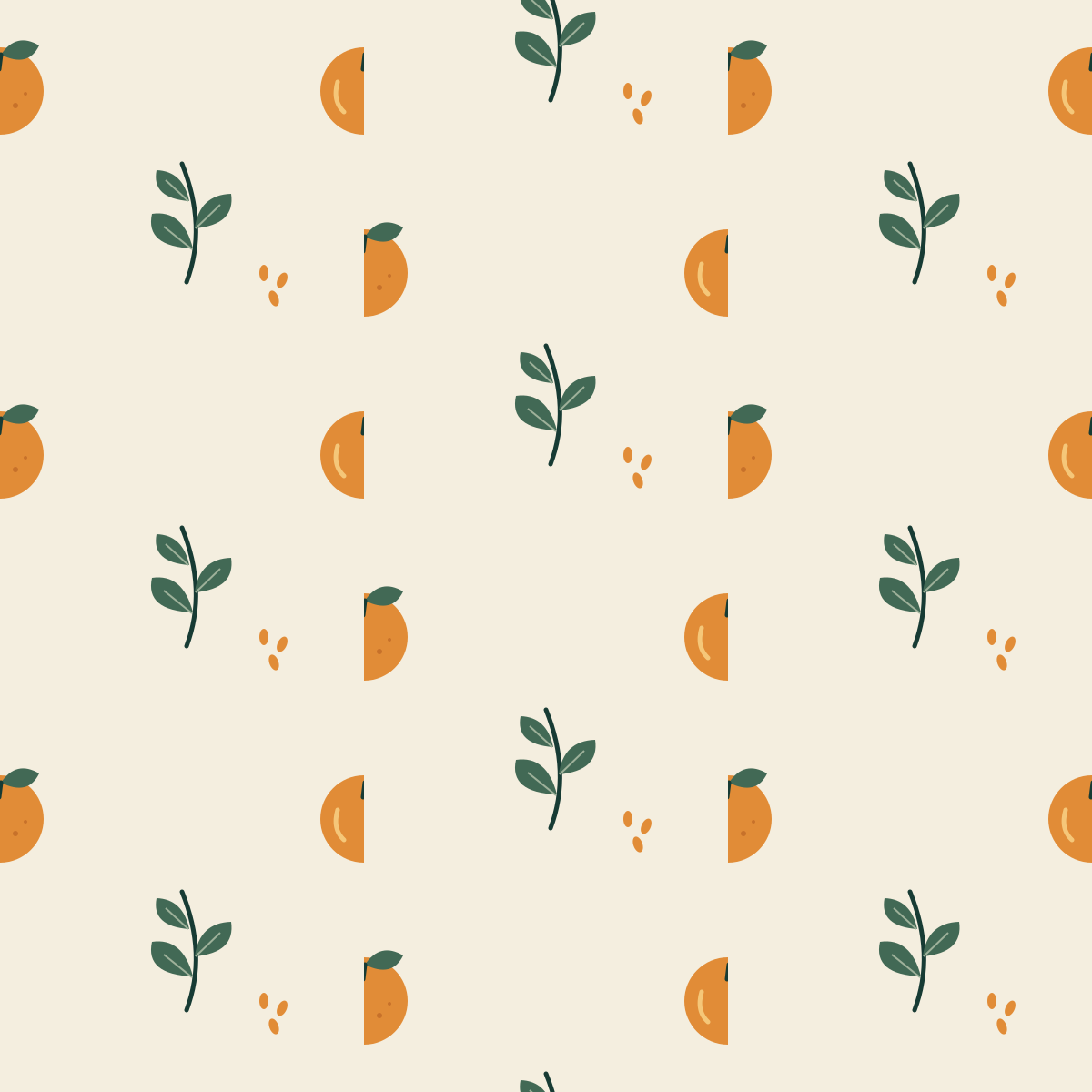

The true half-drop edge tile joins correctly under Half-drop because it was constructed for that offset. Under Straight its fruit breaks again. These are intentionally different files with different edge relationships. You can reproduce either arrangement in an editor using the tile coordinates above.
The clear-border tile avoids the problem because each border contains the same plain background. This makes it useful for comparing visual rhythm, but it does not demonstrate that an arbitrary painted floral or photograph will survive the same change. For an existing flattened image, inspect the actual edge content before deciding how to repeat it.
Build a true half-drop tile from editable motifs
The downloadable half-drop tile shows one concrete construction. Its orange image has a 120 × 120 px rectangle. One copy begins at x = -60, y = 35; its partner begins at x = 340, y = 235. The fruit center lies on each vertical edge, with a 200 px vertical difference between partners.
The copy displacement is therefore (W, H/2), here (400, 200). If the destination goes past the bottom, wrap its Y position by the full height. A partner at y = 435 becomes y = 35. Preserve the object's scale, rotation, and color when making the duplicate.
Top/bottom crossings use a displacement of (0, H) as usual. Corner crossings require the additional wrapped fragments created by both relationships. Work from whole motifs and numerical translations rather than drawing two halves independently.
Keep the interior leaves and seeds separate while composing. Duplicate the tile into neighboring columns during editing so you can judge the spaces that appear after the stagger. A balanced square by itself can create a diagonal channel or a dense knot when repeated.
Use even pixel dimensions for this raster exercise. Half of 401 px is 200.5 px, which introduces an extra resampling decision in tools that place images on integer coordinates. A 400 px teaching tile uses an exact 200 px offset. Larger production artwork should follow the required print scale, with enough source detail for that scale.
Export a half-drop as a normal rectangular repeat
A service may accept only a standard rectangular image repeated in a straight grid. You can preserve a half-drop arrangement by baking two adjacent columns into a supertile.
For a half-drop source tile of W × H, one valid straight-repeat supertile is 2W × H. Our 400 × 400 px source therefore produces an 800 × 400 px image. It contains two columns, with the second column shifted down 200 px and wrapped at the top and bottom.
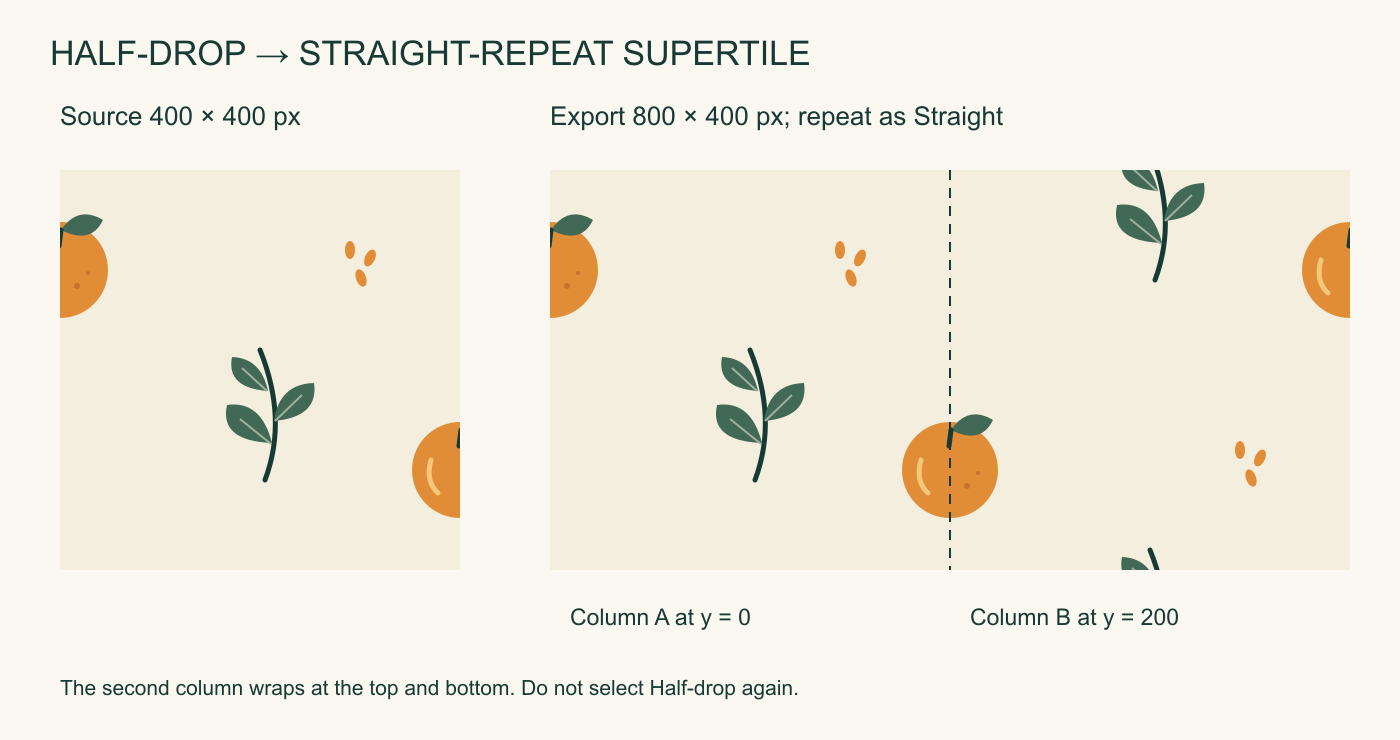
To build it in Pattern Filler, upload the true half-drop tile and confirm that Detected repeat reads Half-drop. The tool automatically chooses from its edge analysis; the current interface does not offer a manual layout selector. Leave the tile scale at 100% and set the output canvas to 800 × 400 px. Export the image, then upload that exported file into a fresh preview. Confirm that the detected layout is now Straight and that it shows the same continuous arrangement.
This rectangle is not the only possible repeating unit; it is a convenient one for these dimensions. Its width covers both alternating column positions. Its height covers a full vertical cycle. By comparison, a brick source can use a W × 2H straight-repeat supertile, here 400 × 800 px.
Apply the stagger once. Give a destination that supports Half-drop the 400 × 400 px source, or give a straight-repeat destination the 800 × 400 px supertile. Applying another half-drop layout to the supertile adds an offset to an image that already contains one, changing the design and potentially breaking its edges.
Choose the repeat setting in the destination service
Some services offer their own placement options. Spoonflower's official repeat documentation distinguishes Basic, Half-Drop, and Half-Brick and explains their vertical or horizontal stagger. Use the original compatible tile when you want the destination to apply that layout, and inspect its product preview.
Other services want a complete print canvas. In that case, supply the required dimensions already filled with the intended arrangement. A cropped 2400 × 1600 px artwork can be a perfectly good final print image without being a suitable repeat unit itself. The crop's outer boundaries may land halfway through the repeat cycle.
Automatic repeat detection can suggest a starting layout from edge similarity. Treat it as a clue, particularly on plain-border tiles where several layouts have equally good edge matches. Our clear-border tile scores equally for all three and the filler defaults to Straight. To compare its alternative layouts, use the supplied diagram or an editor with manual placement. Detection cannot tell which arrangement you intended or guarantee that the large-scale composition works. Inspect the resulting layout and destination preview yourself.
For a starting image whose edges need rebuilding, use the existing-image guide, and consult the source-image guide before repair. Fixing a straight-repeat seam does not automatically design the different pairings required by half-drop.
Keep the repeat size consistent for print
A 400 × 400 px tile at 200 pixels per inch covers 2 × 2 inches. Its half-drop offset is 1 inch. The equivalent 800 × 400 px supertile at the same resolution covers 4 × 2 inches, and the fruit stays the same physical size.
If the destination instead forces that supertile into 2 × 2 inches, it compresses the two-column arrangement horizontally. Preserve the image's 2:1 aspect ratio and enter the intended physical width. Changing the DPI metadata to 300 without resampling leaves 800 × 400 pixels and changes their implied size to about 2.67 × 1.33 inches; it adds no detail.
Pattern Filler exports PNG, JPG, or baseline RGB TIFF and supports DPI metadata. Confirm accepted formats, color management, bleed, and print scale with the supplier. An RGB TIFF does not by itself meet a CMYK production requirement.
Wallpaper terminology also describes how physical strips meet. TM Interiors' hanging guide illustrates a 64 cm vertical repeat with a 32 cm alternate-strip shift. Use the repeat and match figures for your actual product when planning cuts; the dimensions of an uploaded digital tile do not establish a roll's cutting requirements.
Questions about half-drop repeats
Does half-drop always hide the repeat? It changes the rhythm, but a large dark motif, identical spacing, or a diagonal empty channel can still reveal the structure. Inspect many copies at the intended physical scale, including a distant view.
Can a half-drop tile be rectangular? Yes. For a 600 × 400 px source, neighboring columns still shift vertically by 200 px. Its corresponding two-column straight-repeat supertile can be 1200 × 400 px.
Should I repair first or choose the layout first? Decide the intended layout before finalizing edge relationships. Keep editable motifs while arranging. If you only have a raster file, test whether its edges already support that layout before repairing or rebuilding them.