
Texture Generation Blog
Texture journal
Texture guides, prompts, and workflows
Learn how to generate, repair, inspect, and use seamless textures for games, Blender, fabric, wallpaper, interiors, and product mockups.
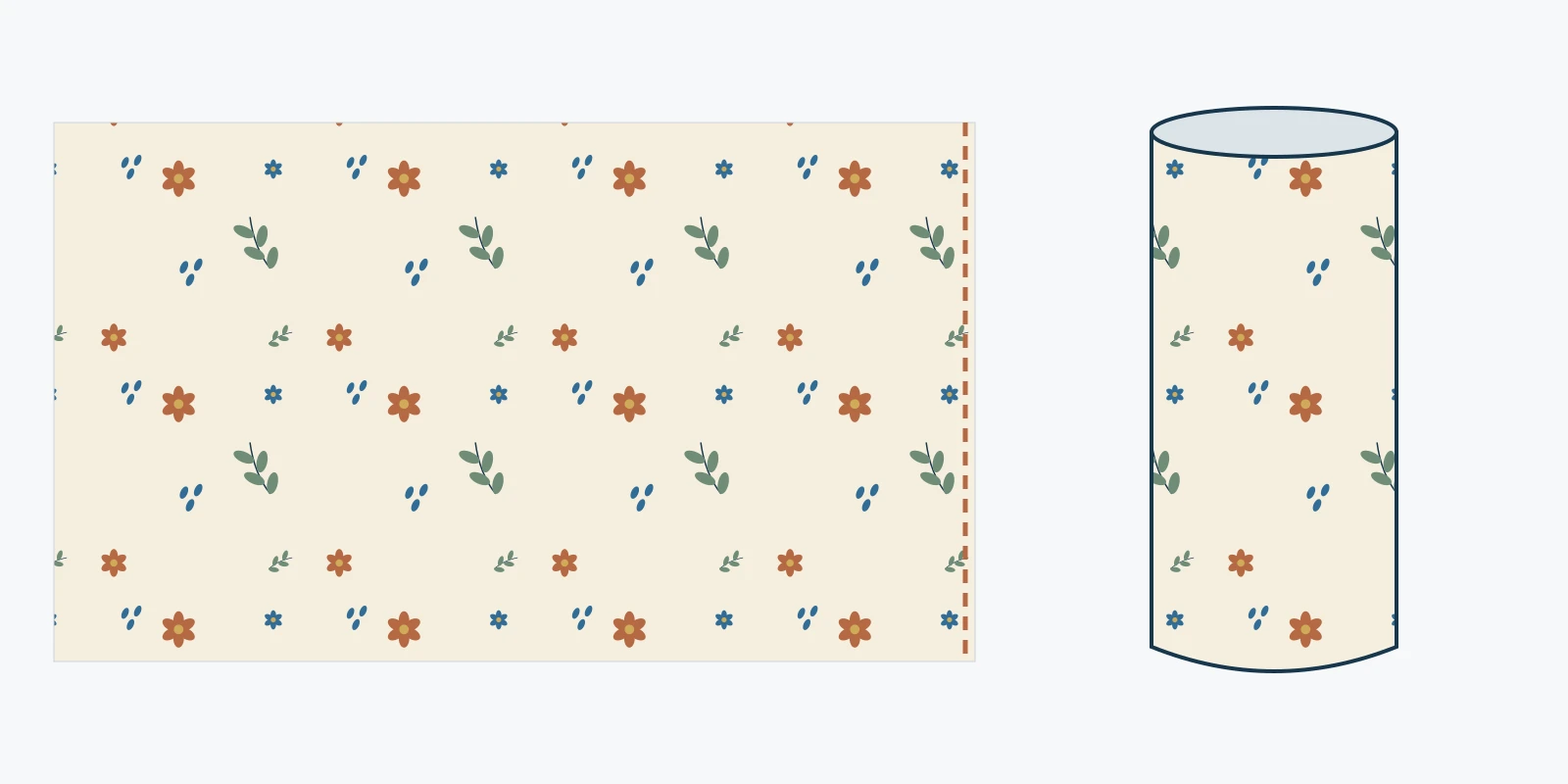
20 oz Tumbler Wrap Size in Inches, cm and Pixels
Measure a 20 oz tumbler, distinguish straight and tapered wraps, calculate print pixels, and check overlap with a full-size paper proof.
Pattern Guides
Comparisons, case studies, and practical notes for texture work.
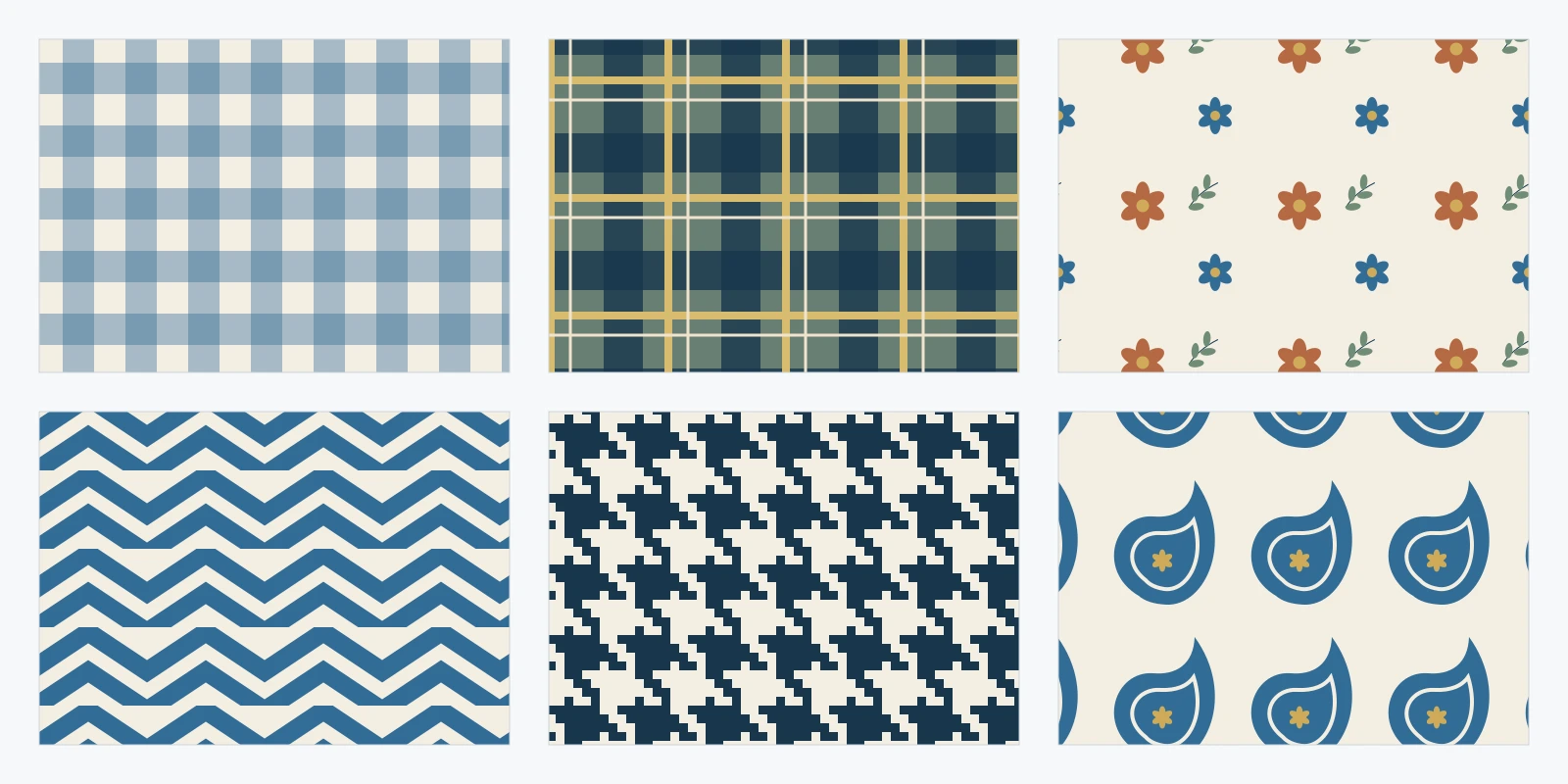
Fabric Pattern Names Explained With 18 Illustrated Examples
Identify common fabric pattern names with original swatches, compare similar designs, and understand motifs, repeat layouts and textile techniques.
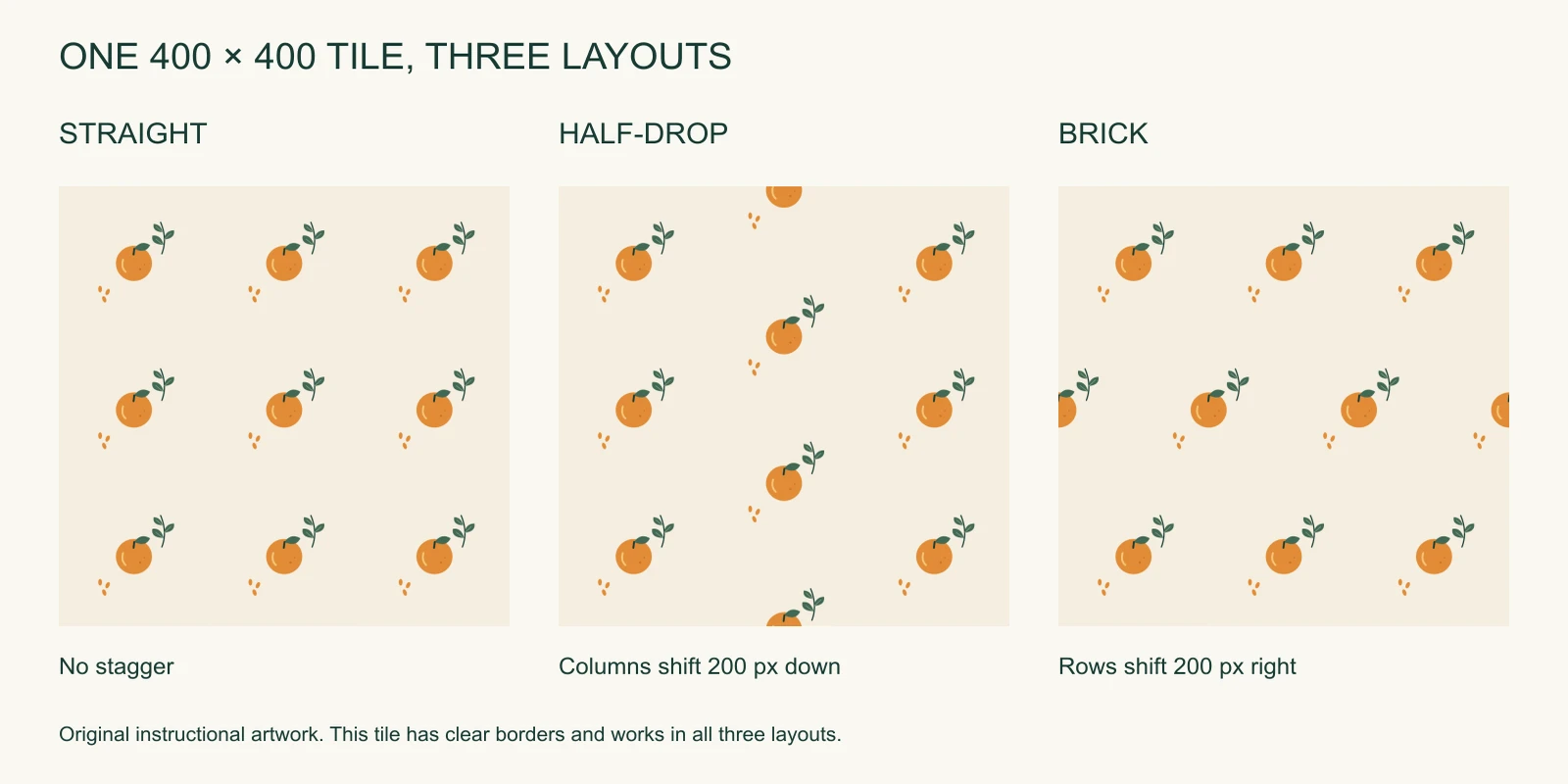
Half-Drop Repeat Patterns: Geometry, Edge Matching, and Export
Compare straight, half-drop, and brick repeats with original downloadable tiles. Learn why staggering can break seams and how to export a correct rectangular supertile.
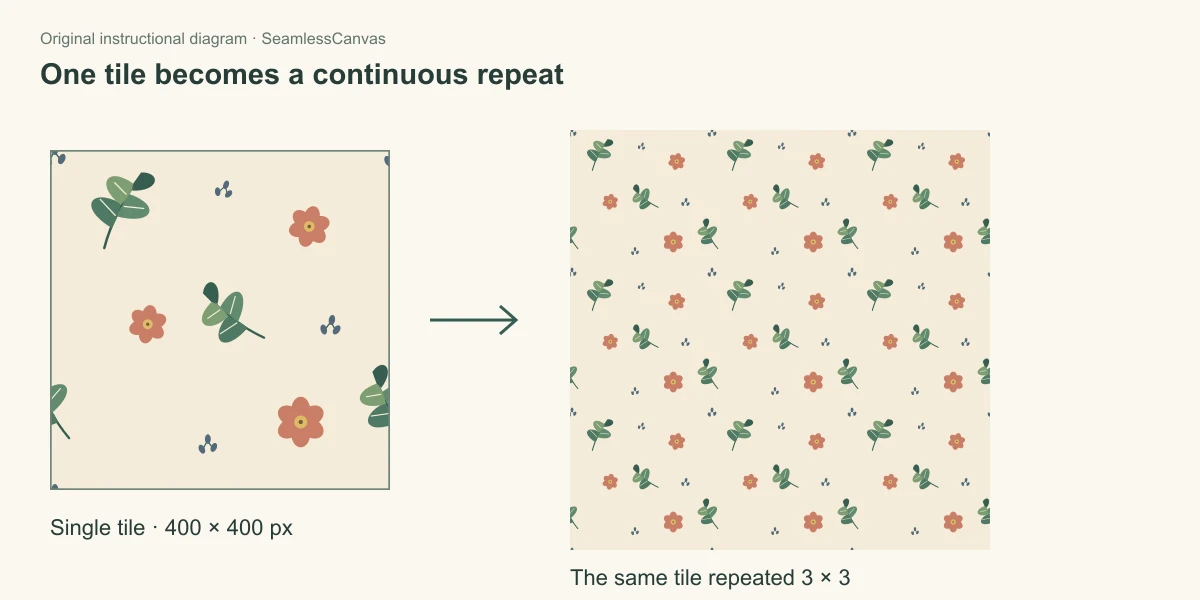
How to Create Seamless Patterns: A Step-by-Step Guide
Make a repeating pattern from separate motifs with a half-tile wrap, follow one original illustrated example, and export a single tile you can test.
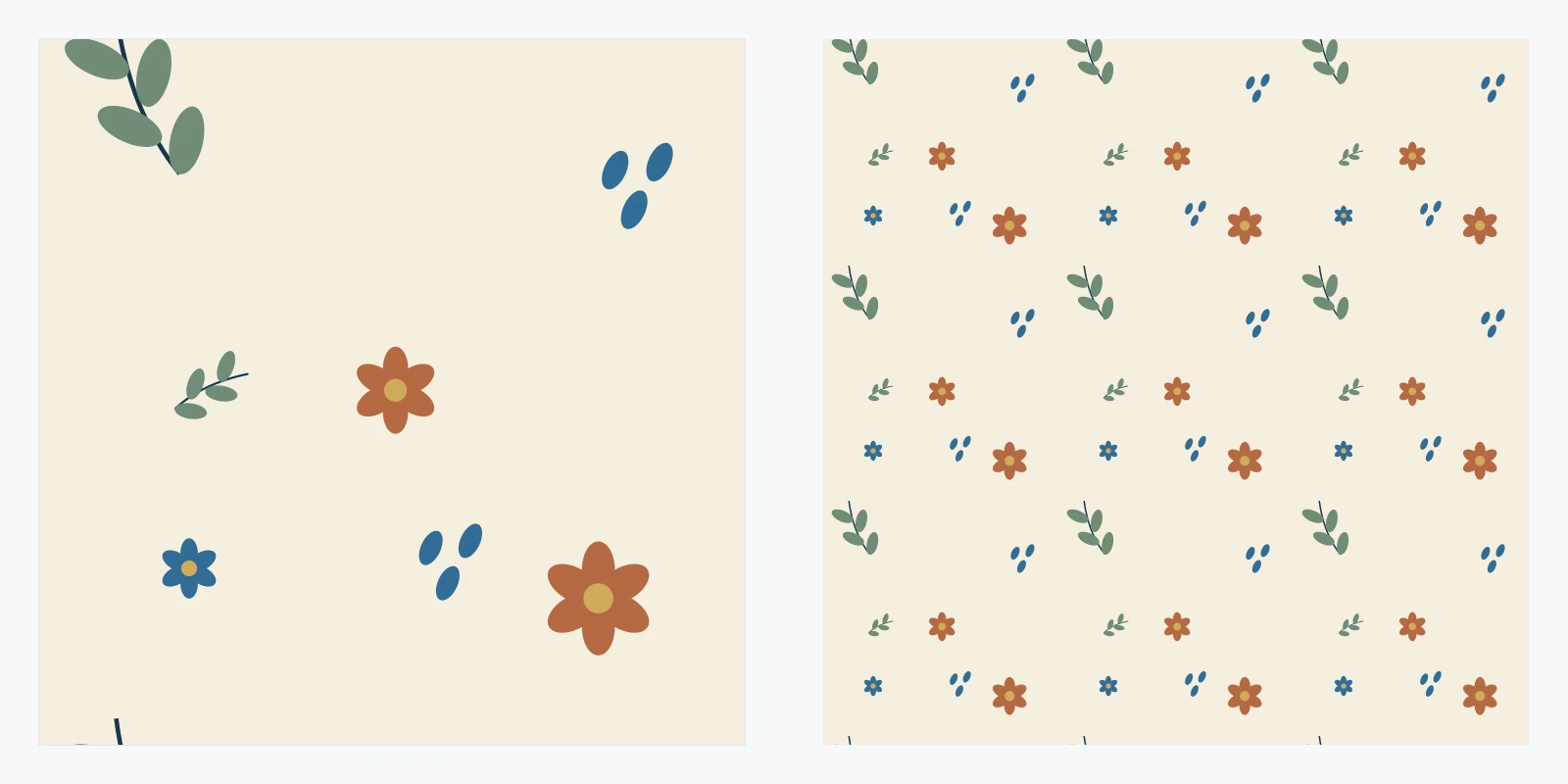
How to Make a Repeating Pattern in Clip Studio Paint
Create a repeating square tile in CSP with image material layers. Fix gaps, check tiling, save a reusable material, and export one clean PNG tile.
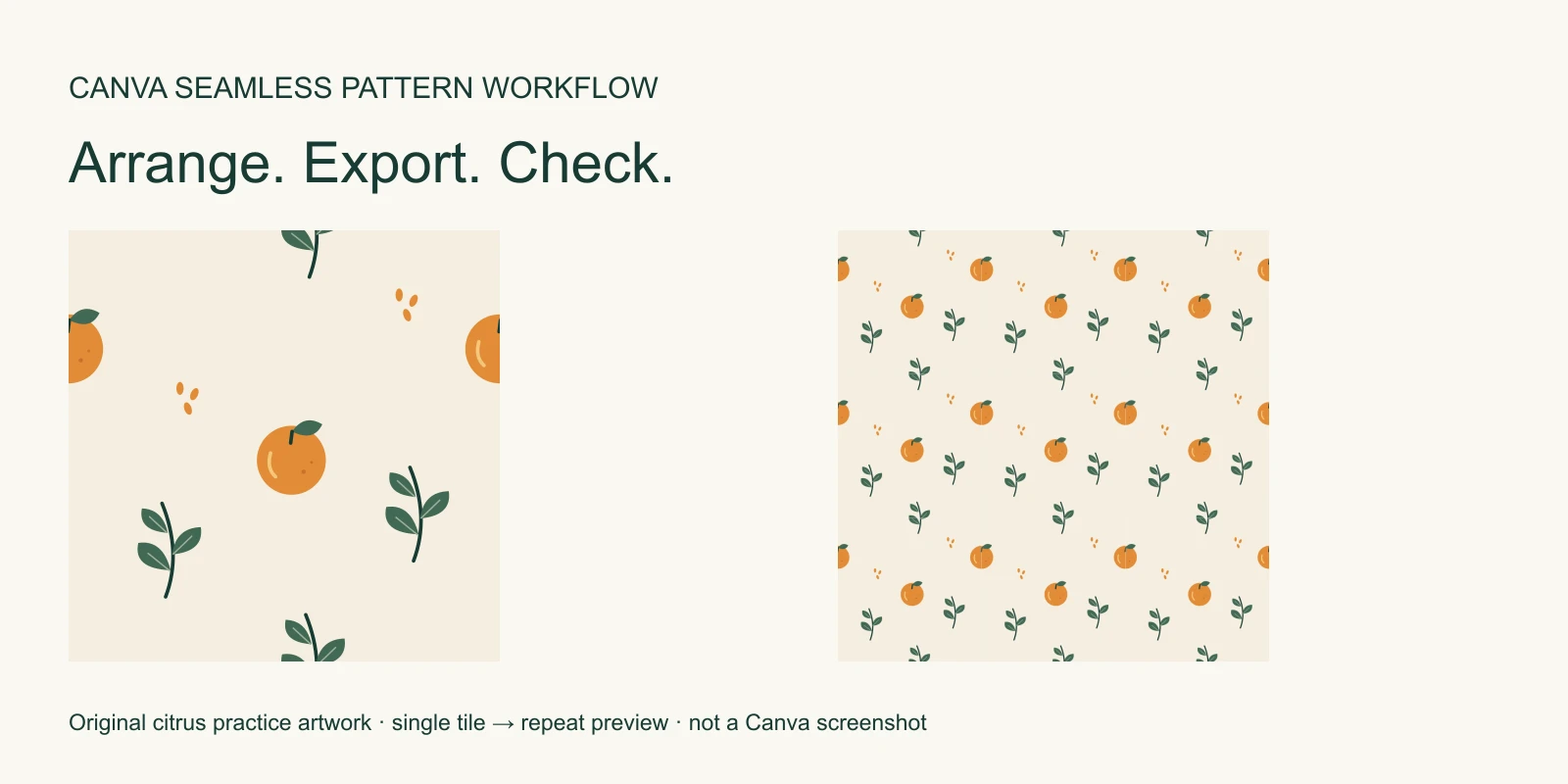
How to Make a Seamless Pattern in Canva, Then Check the Export
Build an editable Canva pattern with free original citrus assets, export one PNG tile, check its repeat, and return a corrected image to your design.
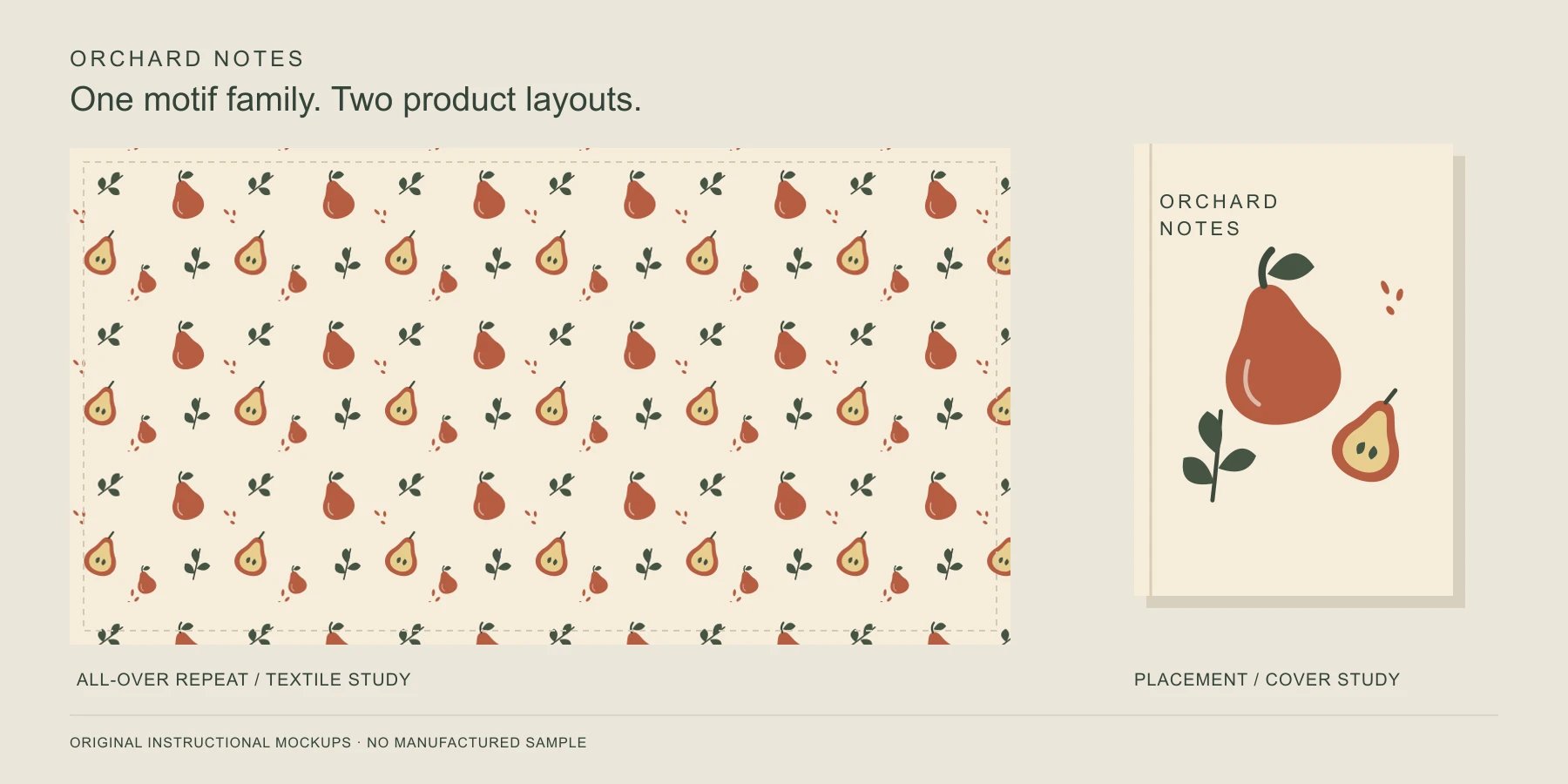
Surface Pattern Design: From Original Artwork to Product
Understand surface pattern design, repeats and placement prints, then follow an original practice brief through motifs, scale, colorways, proofing, and handoff.
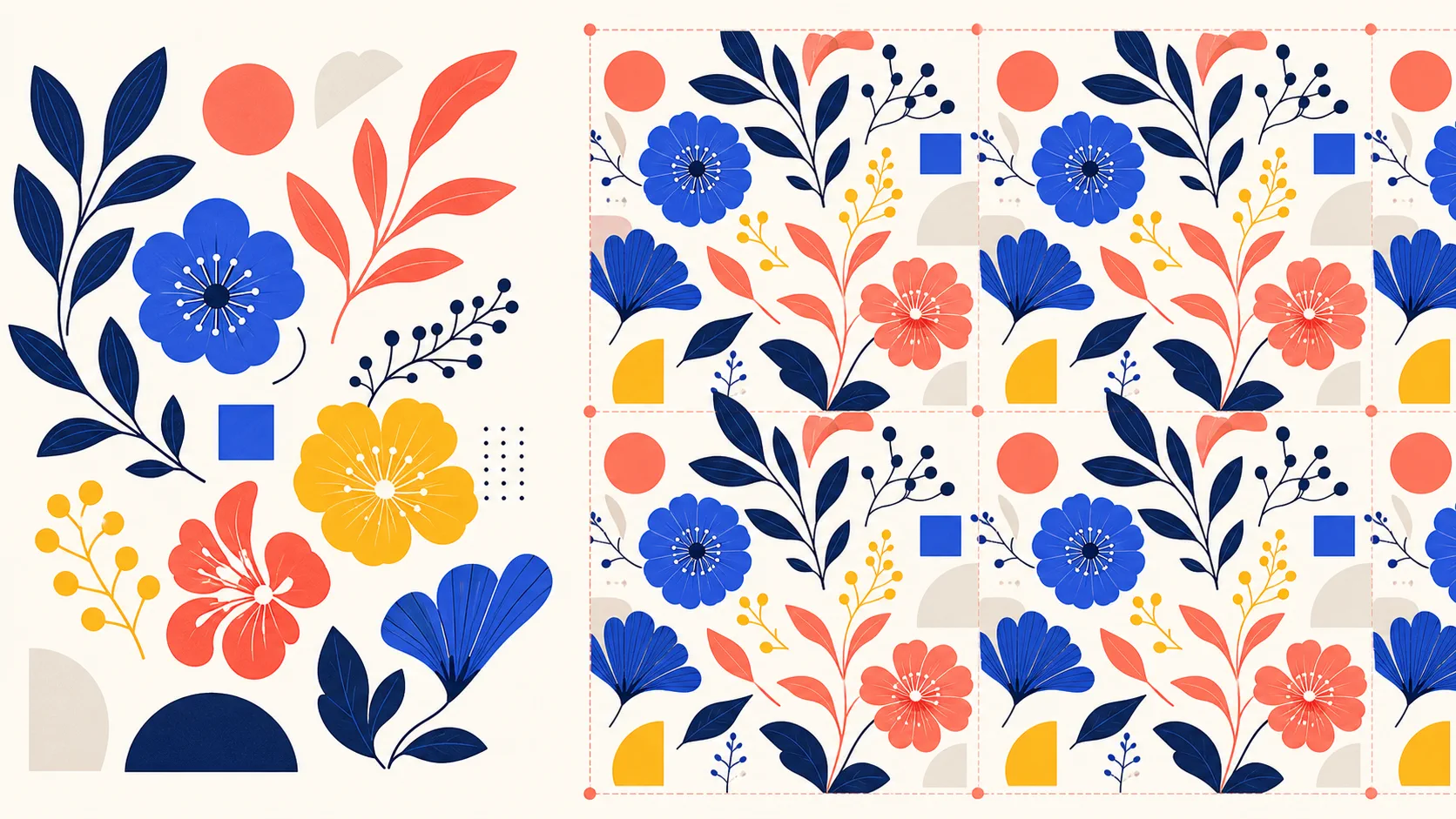
How to Make a Seamless Pattern in Adobe Illustrator
Create seamless patterns in Illustrator with Pattern Options. Set the tile, adjust spacing and overlap, test the repeat, and export a pattern tile.
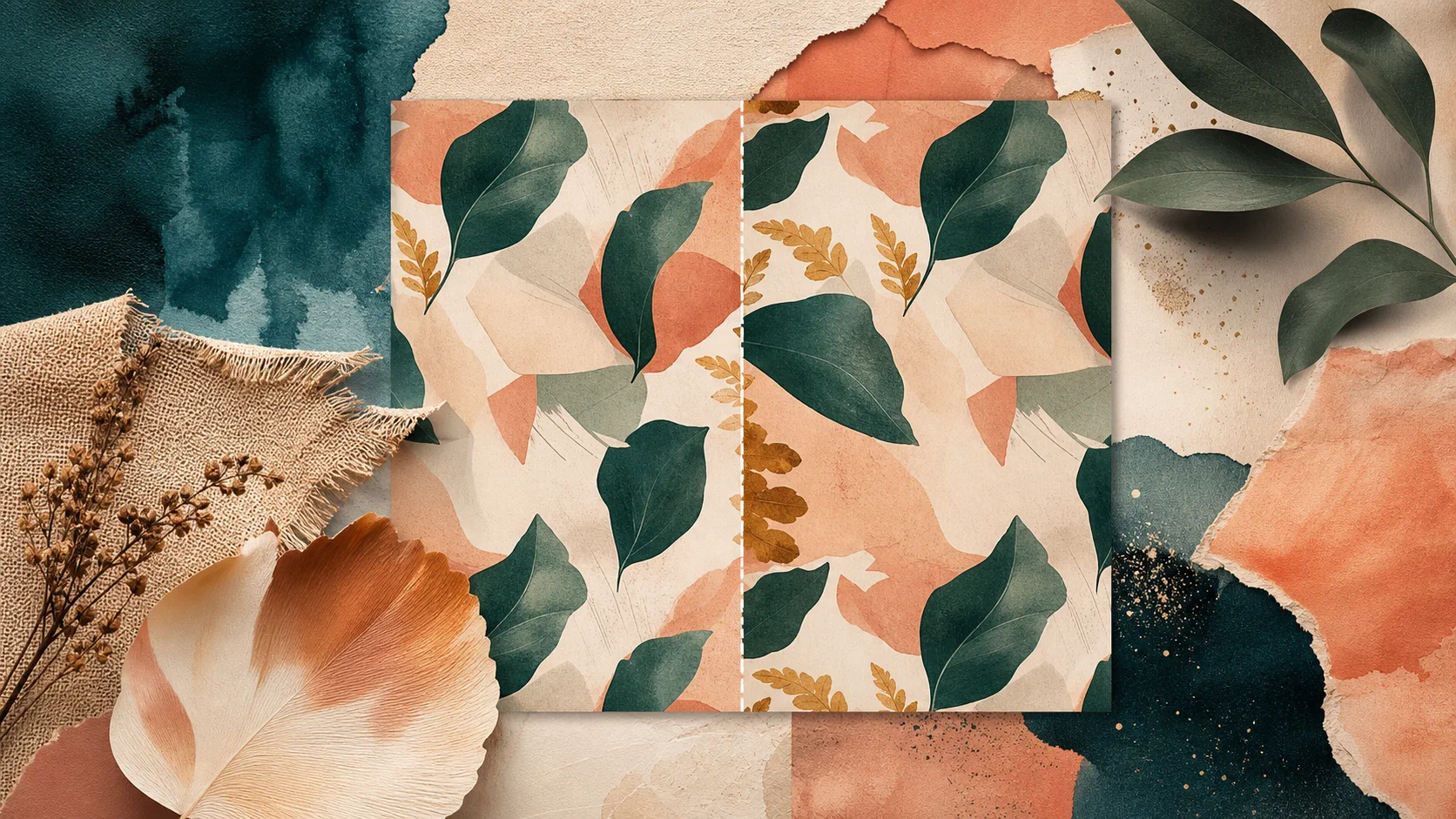
How to Make a Seamless Pattern in Photoshop
Make seamless patterns in Photoshop with Pattern Preview and Define Pattern. Use Offset to repair an existing image, check the repeat, and export a tile.
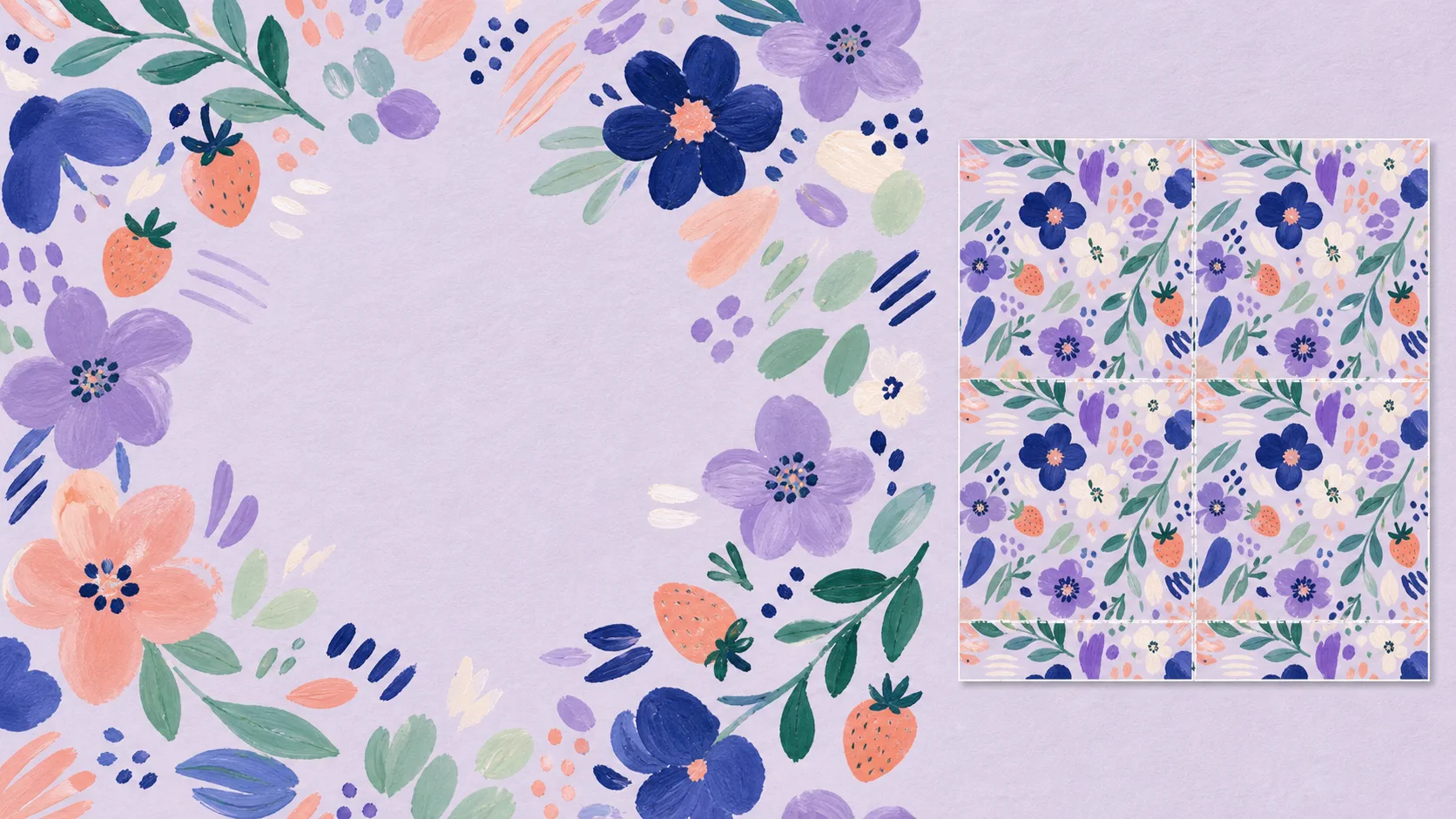
How to Make a Seamless Pattern in Procreate
Make seamless patterns in Procreate with a four-corner workflow. Arrange motifs, check the repeat, fix seams, and export a tile for print or digital use.